# Pizzeria Customer Retention: Automated SMS Triggers for Off-Peak Days
## Table of Contents
– [The Core Answer](#the-core-answer)
– [The Problem: Tuesday Night Demand Gaps](#the-problem-tuesday-night-demand-gaps)
– [The Solution: Automated SMS Triggers That Fill Tuesday](#the-solution-automated-sms-triggers-that-fill-tuesday)
– [Build the Tuesday Segment](#build-the-tuesday-segment)
– [Trigger Timing and Message Logic](#trigger-timing-and-message-logic)
– [Counter Tablet and POS Data Capture](#counter-tablet-and-pos-data-capture)
– [Delivery and Pickup Workflow](#delivery-and-pickup-workflow)
– [Measurement: Visit Gap and Reorder Rate](#measurement-visit-gap-and-reorder-rate)
– [Implementation Checklist / Protocol](#implementation-checklist-protocol)
– [Conclusion & CTA](#conclusion-cta)
> Use automated SMS to identify weekend pizza buyers, segment by visit gap and order value, then send a Tuesday-specific pickup or delivery offer at 10:30 a.m. and 4:30 p.m. Trigger messages from POS and tablet visit data, keep copy short, include a one-tap order link, and measure reorder rate within 21 days. This fills Tuesday capacity with known customers and turns off-peak demand into repeat revenue.
## The Problem: Tuesday Night Demand Gaps
Artisan pizzerias run on an uneven weekly rhythm. Friday and Saturday fill the oven, the delivery driver stays busy, and the counter tablet sees a steady stream of new and returning customers. Tuesday tells a different story: lower ticket volume, unused delivery capacity, and staff hours that cost the same even when foot traffic slows. The business has already paid for the ingredients, rent, and labor. The missing piece is known demand from customers who have ordered before and simply need a relevant reason to return. This is the practical side of [automated foot traffic re-engagement and win-back messaging](https://loyaltynation.io/platform/foot-traffic-triggers): turning a known customer list into scheduled off-peak demand without adding front-counter steps.
Most independent shops have the data needed to solve this gap. The POS knows order dates, pickup vs delivery, average ticket, and item mix. A counter tablet or wallet pass captures visit frequency and customer identity. The challenge is putting that data to work during the exact hours when the kitchen has room. Owners often rely on generic social posts or discount flyers that reach strangers. Automated SMS reaches customers with a proven purchase history and a predictable visit gap.
The operational risk sits in the front counter and kitchen. Staff need a fast check-in flow, clear opt-in language, and a message schedule that does not interrupt prep. Delivery drivers need accurate order windows. Pickup customers need a simple handoff. A Tuesday SMS program works when it fits existing counter speed and uses data the team already collects.
Artisan pizzerias also compete with chains on convenience. A local shop wins with crust quality, house-made mozzarella, and a specific neighborhood identity. Those strengths need a direct channel. SMS gives the shop a way to say, ‘We saved your favorite pie for Tuesday pickup’ or ‘Delivery is open tonight with a 20-minute window.’ The message is operational, specific, and tied to a date when the kitchen has capacity.
## The Solution: Automated SMS Triggers That Fill Tuesday
### Build the Tuesday Segment
Start with a segment of customers who ordered on Friday, Saturday, or Sunday in the last 30 days. Exclude anyone who ordered within the last 7 days to protect margin and avoid fatigue. Split the segment by order type: delivery, pickup, and dine-in. For Tuesday night delivery and pickup, focus on delivery and pickup customers because the trigger can measure a direct reorder.
Use three data fields to prioritize the list: last order date, average ticket, and favorite item. A customer who spent $42 on a Friday delivery and ordered a margherita has a clear reorder path. A pickup customer who buys two pies every other Saturday can receive a Tuesday family-size offer. The segment does not need dozens of labels. It needs enough detail to make the message relevant and the offer profitable.
Set a visit-gap rule. If the normal reorder cycle is 18 days, send the Tuesday message on day 16 to day 21. That timing lands before the customer drifts. The rule should update automatically from POS data. A manual list becomes stale in a week. An automated segment stays current and respects the customer’s actual behavior.
### Trigger Timing and Message Logic
Tuesday SMS works best when it lands before the meal decision. Send a first wave at 10:30 a.m. to reach lunch planners and office orderers. Send a second wave at 4:30 p.m. to reach dinner decision-makers. Keep the waves separate. Do not send the 4:30 p.m. message to someone who clicked or ordered from the morning text. Suppress recent clickers and recent buyers automatically.
Message logic should be short and action-focused. Include the offer, the order type, and a one-tap link. For example: ‘Hi Marco, Tuesday pickup is open. Your margherita is $14 today, ready in 20 minutes. Order here: [link].’ For delivery: ‘Tuesday delivery from [Shop] has a 35-minute window. Use your $5 repeat-customer credit tonight. Order here: [link].’ Keep the shop name and link consistent so customers recognize the sender.
Trigger rules need a frequency cap. Limit off-peak SMS to one message per customer per week and two per month. Suppress customers who ordered in the last 5 days. Add a quiet-hours rule that follows local messaging regulations. Include opt-out language in every send. The front counter should ask for SMS consent during checkout with a clear statement about order updates and offers. A tablet prompt takes seconds and keeps the list compliant.
For broader recall timing, the same logic used in [Barbershop Client Retention: Automated SMS Appointment Recalls](https://loyaltynation.io/resources/barbershop-client-retention-automated-sms) applies to pizza reorders: identify the natural return window, trigger before it closes, and make the next action easy. A barbershop recall and a pizza reorder both depend on visit gap data and a direct mobile message. The offer changes; the timing discipline stays the same.
### Counter Tablet and POS Data Capture
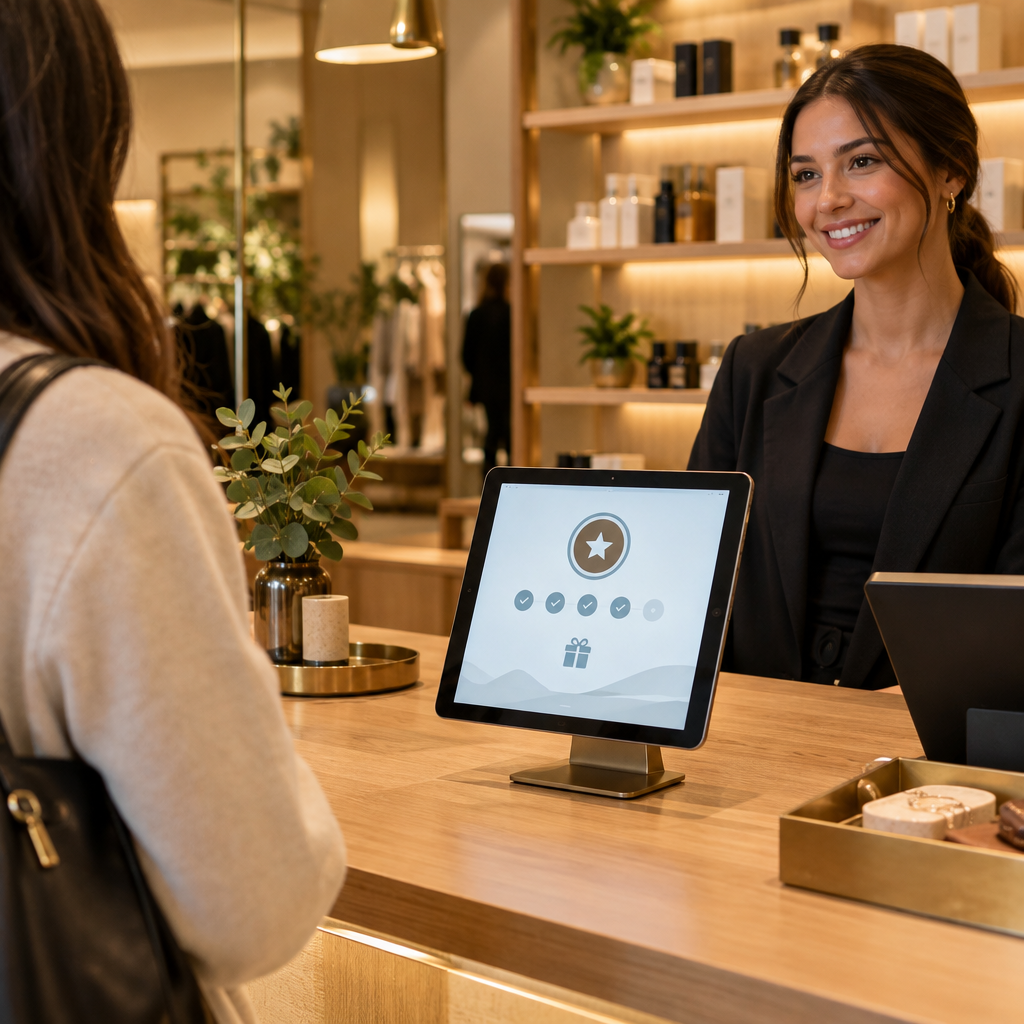
The counter tablet is the fastest place to collect opt-ins and update customer records. Place the tablet facing the customer at pickup and checkout. The screen asks for a phone number, confirms SMS consent, and shows the current visit count. The cashier keeps moving. The customer sees a clear reward path: ‘Visit 4 of 6. Next pizza gets a free garlic knot.’ The tablet writes the visit to the loyalty platform and updates the Tuesday segment automatically.
Connect the POS to the loyalty platform through an integration or daily export. The POS supplies order date, order value, order type, and item detail. The platform supplies visit count, SMS consent, and trigger status. This connection prevents duplicate messages. It also lets the manager see which Tuesday sends produced orders rather than clicks.
Wallet passes add a second identity layer. Apple Wallet and Google Wallet passes can hold the customer’s loyalty card, visit count, and a link to order. When the customer adds the pass, the shop gains a persistent mobile touchpoint. The pass updates after each POS transaction. For Tuesday promotions, the SMS can link to the same order page used by the wallet pass. A consistent link reduces friction at the counter and on the phone.
Staff training should focus on one script: ‘Would you like text reminders for Tuesday pickup and your rewards balance?’ A yes is enough. Do not ask customers to download an app. Do not add forms at the counter during a rush. The tablet and wallet pass handle the detail. The cashier handles the greeting and the handoff.
### Delivery and Pickup Workflow
Delivery and pickup need different triggers. Pickup messages should emphasize speed and readiness: ‘Order by 5:15 p.m., ready at 5:35 p.m.’ Delivery messages should emphasize the delivery window and radius: ‘Tuesday delivery is open in your zone. Order by 6:00 p.m. for a 6:35 p.m. arrival.’ Use real capacity limits from the kitchen. Cap the number of Tuesday delivery orders per 15-minute slot. When the cap is reached, the order link shows pickup or the next available window.
The kitchen should see Tuesday SMS demand in the same ticket flow as all other orders. Print or display a short prep note: ‘SMS Tuesday: 14 orders, 9 pickup, 5 delivery.’ This helps the manager schedule one extra prep hand at 4:00 p.m. and avoid a bottleneck at 6:30 p.m. The front counter should have a dedicated pickup shelf and a clear order-ready text. The delivery driver should receive a route grouped by neighborhood.
Offer design should protect margin. Use a free side, a $5 credit, a two-pie bundle, or a Tuesday-only specialty slice. Avoid deep discounts on every send. Test one offer per week and compare average ticket, reorder rate, and kitchen load. A modest incentive sent to a known customer often beats a large public discount that attracts one-time bargain hunters.
### Measurement: Visit Gap and Reorder Rate
Measure the Tuesday program with four numbers: sent, ordered, reorder rate, and average ticket. Sent is the count of eligible customers after suppression. Ordered is the count of customers who place a pickup or delivery order within 48 hours of the send. Reorder rate is the share of those customers who order again within 21 days. Average ticket shows whether the offer protects margin.
Track visit gap by customer. If a customer usually orders every 14 days and the Tuesday message brings them back on day 12, the program shortened the gap. If the customer orders on Tuesday and then again the following Friday, the program added a visit. Use a control group of 10% of eligible customers who receive no message. Compare Tuesday order volume and 21-day reorder rate between the control group and the SMS group. This gives a clear read on incremental revenue.
Review the data weekly. Keep the morning and evening send times that produce the best order rate. Adjust the visit-gap window for delivery and pickup separately. Suppress customers who unsubscribed or who ordered recently. Use the same measurement discipline across off-peak days. The cinema guide on [Cinema Loyalty Marketing: Automating Tuesday Foot Traffic via SMS](https://loyaltynation.io/resources/cinema-loyalty-program-sms-marketing) shows a similar Tuesday capacity model for a different physical venue. The shared principle is direct: use known visit data to fill a specific day with a specific action.
## Implementation Checklist / Protocol
| Step | Action | Owner | Timing |
|—|—|—|—|
| 1 | Enable SMS consent at counter tablet and wallet pass signup | Front counter lead | Week 1 |
| 2 | Connect POS order data to the loyalty platform | Manager or integrator | Week 1 |
| 3 | Build Tuesday segment: weekend buyers, 8 to 30 days since last order, delivery and pickup | Loyalty admin | Week 1 |
| 4 | Set visit-gap rule and frequency cap: one off-peak SMS per week, two per month | Loyalty admin | Week 2 |
| 5 | Write two message templates: 10:30 a.m. lunch wave and 4:30 p.m. dinner wave | Owner and manager | Week 2 |
| 6 | Add one-tap order link and suppress recent buyers and clickers | Platform admin | Week 2 |
| 7 | Set kitchen capacity caps by 15-minute delivery slot | Kitchen manager | Week 2 |
| 8 | Train cashier script for opt-in and pickup handoff | Floor manager | Week 2 |
| 9 | Launch to 50% of eligible segment, hold 10% control group | Owner | Week 3 |
| 10 | Review sent, ordered, reorder rate, average ticket, and visit gap | Owner and manager | Weekly |
Run this protocol for four weeks before changing the offer. The first week sets data capture. The second week tests timing. The third week measures incremental orders against the control group. The fourth week adjusts the segment and capacity caps. Keep the counter tablet prompt active during every shift. A Tuesday program depends on a clean customer list more than a clever slogan.
## Conclusion & CTA
Tuesday night delivery and pickup improve when the shop uses the customer data already at the counter. Automated SMS triggers turn weekend buyers into Tuesday orders by matching visit-gap timing with kitchen capacity. The counter tablet captures consent, the POS supplies order history, and the wallet pass keeps the relationship in the customer’s phone. The result is a predictable off-peak order flow that supports staff hours and protects margin.
Book an in-store counter demo with Loyalty Nation to see the tablet check-in, wallet pass, and SMS trigger builder in your pizza shop. Or calculate repeat foot traffic revenue gains for your Tuesday and Wednesday night windows. Bring your POS data and current weekly order counts. We will map the visit-gap segments, set the morning and evening trigger times, and build the first Tuesday campaign around your kitchen capacity. Start with one off-peak day, measure the reorder rate, and expand the schedule when the numbers prove out.