# Pizzeria Customer Retention: Automated SMS Triggers for Off-Peak Days
## Table of Contents
– [The Core Answer](#the-core-answer)
– [The Tuesday Margin Problem](#the-tuesday-margin-problem)
– [The Automated SMS System for Artisan Pizzerias](#the-automated-sms-system-for-artisan-pizzerias)
– [Connect POS and Wallet Data to Visit Gaps](#connect-pos-and-wallet-data-to-visit-gaps)
– [Build Tuesday Segments from Real Order Behavior](#build-tuesday-segments-from-real-order-behavior)
– [Write Counter-Ready SMS Triggers](#write-counter-ready-sms-triggers)
– [Time Delivery and Pickup Prompts to Kitchen Capacity](#time-delivery-and-pickup-prompts-to-kitchen-capacity)
– [Measure Repeat Foot Traffic and Reorder Rate](#measure-repeat-foot-traffic-and-reorder-rate)
– [Implementation Checklist and Protocol](#implementation-checklist-and-protocol)
– [Conclusion and Next Step](#conclusion-and-next-step)
## The Core Answer
> Use automated SMS triggers tied to POS order history and wallet pass visits. Segment customers by last order date, order type, and favorite menu items. Send Tuesday pickup and delivery messages during low-kitchen-load windows, then measure repeat orders and return foot traffic. This fills off-peak capacity without broad discounting.
## The Tuesday Margin Problem
Tuesday night exposes a fixed-cost kitchen and a small delivery radius. An artisan pizzeria carries dough prep, staff schedules, oven capacity, insurance, rent, and driver coverage before the first order lands. Weekend demand can hide weak retention. Tuesday delivery and pickup volume often falls below Friday and Saturday, leaving oven slots and driver time underused. The cost per order rises when staff and equipment sit idle. Plastic punch cards and generic email blasts cannot show which customer ordered a margherita three weeks ago or who last used pickup on a rainy Friday. The counter team cannot manually scan order histories during a dinner rush. [automated foot traffic re-engagement and win-back messaging](https://loyaltynation.io/platform/foot-traffic-triggers) connects wallet pass visits and POS order records to relevant messages. The operational goal is predictable Tuesday volume with controlled discounts and accurate kitchen load. Artisan pizzerias face a specific constraint: limited batch dough, small oven decks, and delivery zones that reward short travel times. A broad Tuesday coupon can fill orders at the wrong time, strain the kitchen, and train regulars to wait for discounts. Automated SMS works when it uses real order behavior, sends at the right hour, and tracks repeat foot traffic instead of one-time clicks.
## The Automated SMS System for Artisan Pizzerias
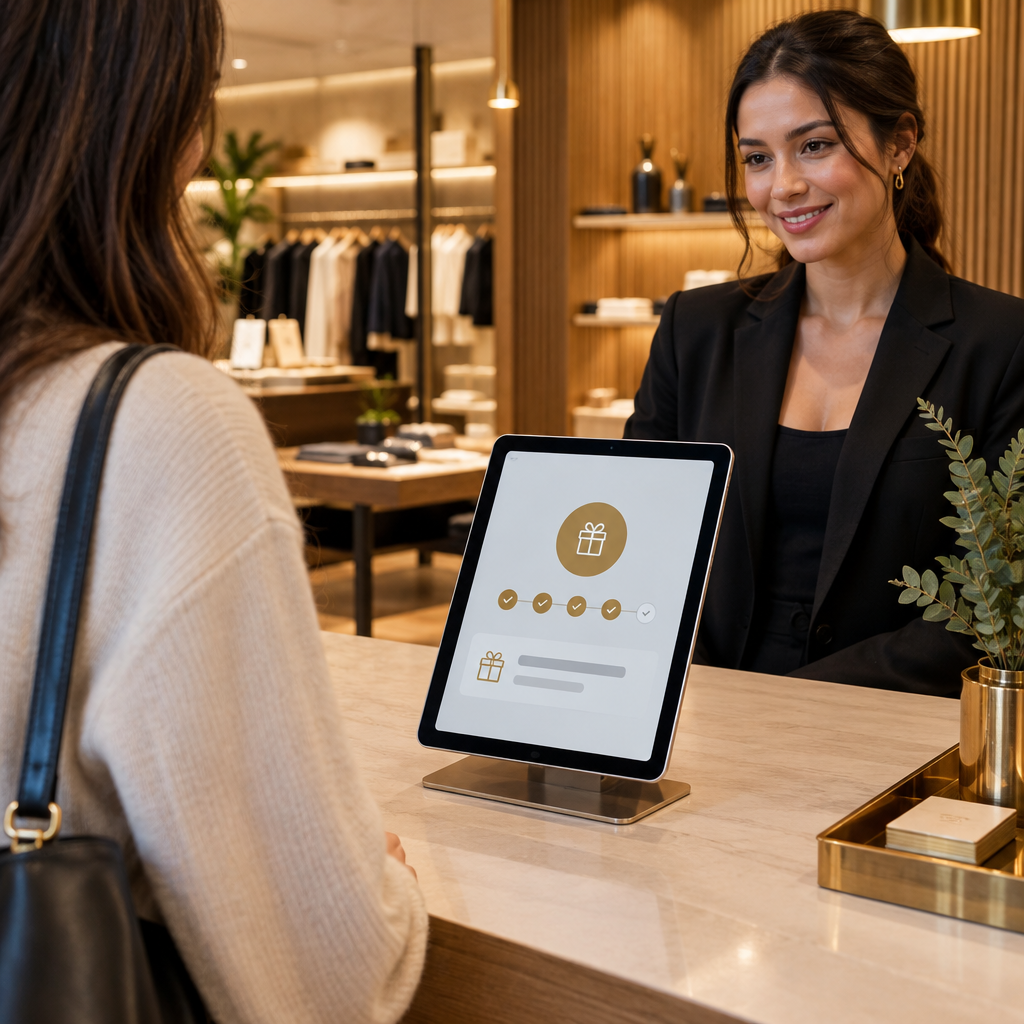
Automated SMS runs from actual order data and counter workflow. Set up the Loyalty Nation counter tablet, issue Apple and Google Wallet passes, connect POS order history, and define Tuesday triggers. The system tracks visit gaps and sends messages without adding cashier steps.
### Connect POS and Wallet Data to Visit Gaps
Start with order type and last order date. POS integration captures delivery zone, pickup time, basket value, and menu items. Wallet pass check-ins capture pickup visits and counter scans. Build profiles with phone number, consent status, last order date, order count, average ticket, and favorite pizza. Match phone numbers at checkout to prevent duplicates.
Set visit gap thresholds: 14 days for weekly households, 21 days for regulars, and 30 days for occasional customers. The counter tablet shows a short prompt when a customer scans or pays, such as ‘Offer Tuesday pickup reminder?’ The prompt keeps the front counter fast and the data accurate. A customer who declines SMS stays marked as no-consent. Connect payment and order data to the wallet pass so pickup and delivery behavior appear in one profile. The manager can see who ordered last Saturday, who has not returned since a holiday weekend, and who only orders delivery during bad weather.
### Build Tuesday Segments from Real Order Behavior
Use segments that reflect kitchen capacity and customer habits. A weekend-only pickup customer needs a different message from a lapsed delivery customer. A high-value regular needs recognition and a reserved slot. A family bundle buyer needs a larger basket prompt.
The first group includes weekend-only pickup customers who ordered Friday through Sunday in the last 30 days and have no Tuesday order in 45 days. Send a Monday afternoon reminder with two slot options. Another group covers lapsed delivery customers who ordered in the last 60 days and have no order in 21 days. Send a zone-specific time window and order link. High-value regulars order at least twice per month and have an average ticket above the shop median. Name their usual pizza and offer a Tuesday pickup slot before the public rush. New wallet pass holders with one order in the last 14 days receive a Tuesday welcome message that explains pickup and delivery options.
The same off-peak logic used in [Cinema Loyalty Marketing: Automating Tuesday Foot Traffic via SMS](https://loyaltynation.io/resources/cinema-loyalty-program-sms-marketing) applies to pizzerias: match the daypart, the venue capacity, and past behavior. Cinema operators fill Tuesday screens; pizzerias fill Tuesday ovens and delivery slots.
### Write Counter-Ready SMS Triggers
The message must work on a phone at the counter and on a phone on a couch. Include the shop name, the usual item when known, two pickup or delivery windows, a clear action, an expiration, and opt-out language.
For a last-order gap pickup, send: ‘Hi Dana, it has been 18 days since your Margherita pickup at Forno 12. Tuesday pickup slots are open at 5:15 and 6:15. Reply PICKUP to hold your usual order. Reply STOP to opt out.’ For a delivery zone recall, send: ‘Forno 12 has Tuesday delivery openings in Northside from 5:30 to 7:30. Your last order was a Diavola and garlic knots. Order at [link]. Reply STOP to opt out.’ A wallet pass reminder can read: ‘Your Forno 12 wallet pass is ready for Tuesday pickup. Show it at the counter to track your visit and skip the paper card. Order at [link]. Reply STOP to opt out.’ For a counter scan follow-up, schedule a Monday 4pm message when a customer scans the tablet on a weekend visit and has no Tuesday order in 30 days. The counter staff does not need to remember the follow-up.
Recall triggers also fit service businesses. A barbershop uses [Barbershop Client Retention: Automated SMS Appointment Recalls](https://loyaltynation.io/resources/barbershop-client-retention-automated-sms) to reduce no-shows; a pizzeria uses the same recall structure to reactivate a lapsed delivery customer. The shared principle is a clear time window, a known preference, and a simple reply action.
Add frequency caps. One Tuesday campaign per customer every 14 days protects the list and reduces opt-outs. Suppress customers who ordered in the last seven days, customers with an open support issue, and customers who already booked a Tuesday slot. Use consent records and quiet hours to meet local messaging rules.
### Time Delivery and Pickup Prompts to Kitchen Capacity
Map oven load and driver capacity by 15-minute blocks. Set send windows away from the dinner rush. For Tuesday dinner, Monday 3pm to 6pm and Tuesday 10am to 11am reach customers before they plan the evening. For Tuesday lunch, send Sunday afternoon or Monday morning. Use POS sales by daypart to set blackout windows. If the kitchen is booked from 6pm to 7pm, offer 5:15pm, 5:45pm, and 7:15pm slots. If delivery travel times rise after 7:30pm, cap delivery orders per zone. Trigger messages only when open capacity exists. This protects service quality and keeps delivery time promises accurate.
Connect the SMS link to an order page with live slot inventory. When a slot fills, remove it from the order page and stop sending that slot in new messages. For delivery, group orders by zone and set a per-zone cap. For pickup, use a shelf-ready notification through the wallet pass or SMS. Run a small Tuesday test before a full launch. Start with 10% of the eligible segment and one pickup window. Check kitchen ticket times, driver wait times, and counter confusion. Expand to all eligible customers after two Tuesdays if service metrics hold.
### Measure Repeat Foot Traffic and Reorder Rate
Track delivery and pickup separately. Measure SMS sends, link taps, order conversion, reorder rate, average ticket, return visit within 14 days, and unsubscribe rate. Attribute orders by unique SMS link and POS phone match. Compare the campaign group to a 10% holdout group to isolate incremental orders.
Calculate repeat foot traffic revenue: incremental Tuesday orders x average ticket x gross margin, minus SMS and platform cost. Calculate return visit rate: customers who order within 14 days after the Tuesday order divided by customers who received the Tuesday order. Track the reorder rate between weekend orders: customers who ordered Saturday or Sunday and place a Tuesday order within 10 days. This metric shows whether the trigger changes household habits or only shifts one order.
Review the numbers every Tuesday. Raise the visit gap threshold when too many recent customers receive messages. Lower the threshold when regulars drop off. Adjust send times when click rates fall. Keep the kitchen capacity map current. Share the top-line result with counter staff so they see how wallet pass scans and SMS replies turn into Tuesday revenue.
## Implementation Checklist and Protocol
| Step | Action | Owner | Timing | KPI |
|—|—|—|—|—|
| 1 | Export 90 days of POS order history and tag pickup, delivery, phone number, and last order date. | General manager | Week 1 | Clean phone match rate |
| 2 | Add SMS consent at the counter tablet, wallet pass signup, and online order checkout. | Counter lead | Week 1 | Opt-in rate |
| 3 | Connect POS, create Apple and Google Wallet passes, and set visit gap thresholds. | Operations lead | Week 1-2 | Profile completeness |
| 4 | Build Tuesday segments: weekend-only pickup, lapsed delivery, high-value regulars, and new pass holders. | Marketing lead | Week 2 | Eligible segment size |
| 5 | Draft SMS templates with shop name, usual item cue, slot options, expiration, and STOP language. | Owner | Week 2 | Template approval |
| 6 | Set oven and driver capacity windows plus blackout times for the Tuesday dinner rush. | Kitchen manager | Week 2 | On-time order rate |
| 7 | Launch a 10% holdout test and a 90% campaign group with a single Tuesday offer. | Analyst | Week 3 | Incremental orders |
| 8 | Review reorder rate, return visits, average ticket, and margin every week. | Owner | Weekly | Repeat revenue |
## Conclusion and Next Step
Tuesday delivery and pickup volume improves when the system uses actual order history, sends at the right kitchen window, and tracks repeat visits. Loyalty Nation gives independent pizzerias counter tablets, Apple and Google Wallet passes, automated SMS triggers, and foot-traffic reporting in one workflow. Book an in-store counter demo with Loyalty Nation or calculate repeat foot traffic revenue gains for your pizzeria. Bring a POS export and a Tuesday schedule; the team will model your gap and show the trigger flow that fits your counter.
