## Table of Contents
– [The Physical Retail Compliance Challenge](#the-physical-retail-compliance-challenge)
– [Age-Verified Pass Architecture and Counter Workflow](#age-verified-pass-architecture-and-counter-workflow)
– [Enrollment at the Counter](#enrollment-at-the-counter)
– [Digital Pass Issuance and Wallet Controls](#digital-pass-issuance-and-wallet-controls)
– [Checkout Verification and Redemption](#checkout-verification-and-redemption)
– [Audit Logs and Multi-Location Governance](#audit-logs-and-multi-location-governance)
– [Reporting Metrics and Revenue View](#reporting-metrics-and-revenue-view)
– [Implementation Checklist and Store Protocol](#implementation-checklist-and-store-protocol)
– [Conclusion and Next Step](#conclusion-and-next-step)
> **The Core Answer:** Use a [customer counter check-in tablet and digital pass system](https://loyaltynation.io/platform/in-store-checkin) to verify age once at enrollment, issue an age-status token to Apple or Google Wallet, and scan that token at checkout before releasing age-gated rewards. The tablet shows clerk-friendly status, the POS records the transaction, and the audit log keeps store, time, pass token, and override reason without storing raw ID data. This design keeps line speed high, makes repeat visits measurable, and gives owners a defensible compliance trail across locations.
## The Physical Retail Compliance Challenge
Age-restricted retail runs on counter speed. A clerk has seconds to greet the customer, check ID when required, scan the loyalty account, apply rewards, and complete payment. A smoke or vape shop also carries a higher compliance bar: age verification must happen at enrollment, at redemption for age-gated rewards, and during every transaction where local rules require it. The parent [customer counter check-in tablet and digital pass system](https://loyaltynation.io/platform/in-store-checkin) gives the counter a single verification surface, yet the operating details determine whether the program stays compliant.
Paper punch cards and generic loyalty apps struggle with this reality. A shared punch card cannot prove who earned a reward. A forwarded screenshot can expose a rewards balance. A manual paper log records the visit but misses the link between the account, the clerk, the store, and the age check. Multi-location owners then face inconsistent exceptions: one store accepts a code, another rejects it, and nobody has a clean record when a compliance review arrives.
The operational risk shows up in three places. First, enrollment creates the customer record; if age is checked casually, every later reward inherits that weak check. Second, redemption creates the liability moment; an age-gated reward such as a sample, accessory bundle, or member offer must release only after the clerk sees verified status. Third, reporting creates the proof; an owner needs a timestamped trail without storing raw ID images on a tablet or inside a marketing database.
Store teams balance three pressures at the same counter: checkout speed, age verification, and loyalty enrollment. A line forms when a clerk leaves the sale screen to find a customer record. A compliance gap forms when a shared punch card earns an age-gated reward without a clear account match. A reporting gap forms when the store cannot show who approved an exception. The tablet workflow solves these pressures only when each step has an owner, a timestamp, and a fallback rule.
Physical stores also face a speed penalty when clerks leave the checkout flow. Opening a separate browser, searching a phone number, or asking a manager to approve every repeat visit adds seconds that compound during peak foot traffic. The goal is a counter routine that verifies the account and the age status in one scan, then records the event automatically. That routine protects checkout speed while giving the owner reliable visit data, customer visit gaps, and repeat foot-traffic return rates.
## Age-Verified Pass Architecture and Counter Workflow
A compliant digital pass program separates identity, age status, and reward eligibility. The tablet at the counter acts as the clerk interface. The wallet pass carries a unique member token, not a birthdate. The POS or loyalty platform stores the age-verification result as a status with a timestamp and store ID. Each scan creates an audit event. This architecture lets a clerk confirm repeat-account status and age-gated eligibility without exposing sensitive information on the pass itself.
A practical data model uses a member token, age status, verification timestamp, method category, store ID, clerk ID, reward ID, scan result, and override reason. The tablet reads a minimal profile. Marketing exports use tokens and visit counts. Compliance exports use tokens and status without personal data. This separation protects privacy and keeps reports useful.
### Enrollment at the Counter
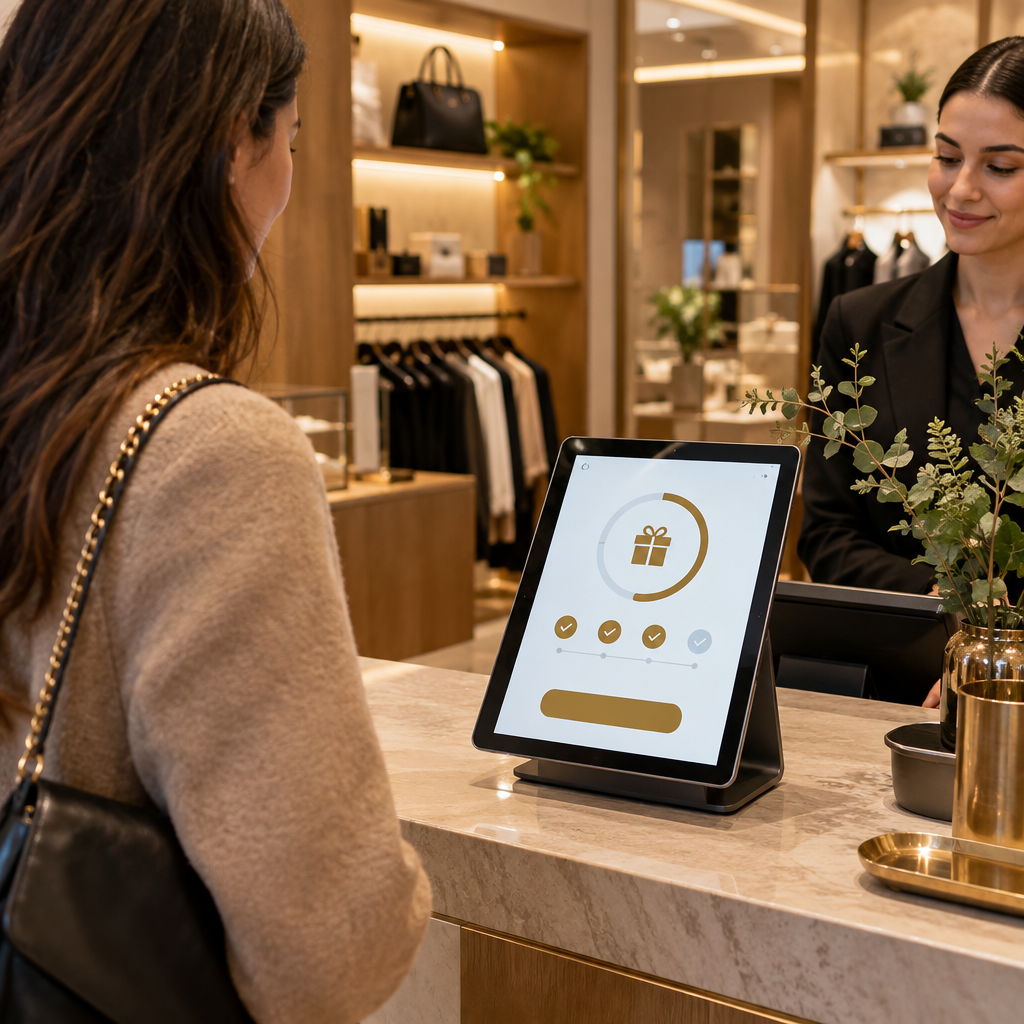
Enrollment starts with a clear script and a fast tablet flow. The clerk asks for the customer’s phone number or scans a QR code, confirms the customer’s age using the store’s approved ID-check process, and records the result as verified, denied, or pending. The system creates a member token and sends the digital pass to Apple Wallet or Google Wallet. The tablet prompts the clerk to confirm the customer’s consent for loyalty messages and visit tracking.
The record should store the age-verification status and the method category, such as physical ID checked at counter. It should avoid storing raw ID numbers, birthdates, or ID images unless the store has a documented legal reason and retention policy. A tokenized record gives the clerk the answer needed at checkout: this account has a verified age status for age-gated rewards. For stores adding counter-speed patterns beyond age-restricted retail, the same check-in discipline appears in [Bakery Counter Loyalty: Speeding Up Morning Rush Line Throughput](https://loyaltynation.io/resources/bakery-customer-loyalty-tablet-check-in).
### Digital Pass Issuance and Wallet Controls
The pass should show the customer’s first name or nickname, current points, and a scannable code. The pass should not show birthdate, ID number, or a static account number that another person can copy. Use a rotating QR token or a short-lived scan code that the tablet validates against the member record. Add pass suspension controls for lost devices, suspected account sharing, or compliance holds. Add a replacement flow that revokes the old pass and issues a new token.
Age-gated rewards need a visible flag in the pass record and in the tablet view. The clerk sees a green verified status, a red missing status, or an amber review status. The pass scan alone does not replace the clerk’s legal ID check when local rules require an ID check at the point of sale. The pass scan confirms that the account has a verified age status and that the reward belongs to this member token. The clerk still follows the store’s posted ID policy for the transaction.
### Checkout Verification and Redemption
At checkout, the clerk scans the pass, confirms the repeat-account status, and checks the age-status indicator before releasing any age-gated reward. The tablet shows the customer’s visit count, last visit date, and eligible reward. The clerk completes the transaction in the POS. The loyalty platform logs the scan, the store, the clerk, the pass token, the reward code, and the age-status result.
Exception handling should take seconds. If the pass is missing, the clerk can search by phone number and confirm a one-time code. If the member record lacks verified age status, the clerk follows the standard ID check and either completes enrollment or logs a denied reward. If the pass is suspended, the clerk escalates to a manager. A manager override requires a PIN and a reason code. The override writes to the audit log and appears in the daily exception report.
High-volume counters benefit from a self-service pattern for repeat customers, similar to [QSR Lunch Queue Reduction: Self-Service QR Code Loyalty Check-In](https://loyaltynation.io/resources/qsr-self-service-loyalty-check-in). A vape or smoke shop can place a second tablet at the counter for members to scan their pass while the cashier handles payment. The clerk still confirms age status and follows ID policy for the sale. The second tablet cuts the account lookup step while keeping the verification decision with trained staff.
### Audit Logs and Multi-Location Governance
Each store needs a daily compliance view. The view should list enrollment checks, reward redemptions, denied rewards, suspended passes, and manager overrides. The log should include timestamp, store location, clerk ID, member token, age-status result, reward code, and override reason. The log should exclude raw ID data. Set a retention period with legal counsel. Restrict log access by role. Review exceptions weekly at single stores and centrally for multi-location groups.
Multi-location owners should standardize the pass rules. Set one age-gated reward catalog, one override reason list, and one clerk training script. Use location-level settings for local ID rules and store hours. Run monthly spot checks: compare a sample of reward redemptions to the audit log, confirm that suspended passes cannot redeem, and verify that new clerks complete the enrollment script. The result is a loyalty program that turns repeat foot traffic into measurable revenue while keeping the age-verification record clean.
### Reporting Metrics and Revenue View
The owner needs a revenue view and a compliance view. The revenue view tracks visits per member, average visit gap, return rate by store, and reward redemption rate. The compliance view tracks enrollment checks, denied rewards, suspended pass scans, and manager overrides. Review both weekly. Set a target for repeat visit rate and a target for exception rate. Train clerks on the difference between a pass scan and an ID check. Use the same dashboard to compare stores.
A simple revenue model helps the team see the value of the program. Track the number of members who return within 30 days, the average spend on return visits, and the share of visits tied to a digital pass. Compare stores with active enrollment scripts to stores with inconsistent scripts. The gap shows the operational upside of a disciplined counter routine. The compliance view then keeps the program honest as the revenue view grows.
## Implementation Checklist and Store Protocol
| Step | Action | Control |
|—|—|—|
| 1 | Confirm local age thresholds and ID rules | Written policy approved by legal counsel |
| 2 | Configure tablet enrollment fields | Age status, method category, timestamp, store ID |
| 3 | Issue wallet passes with rotating tokens | No birthdate or raw ID data on the pass |
| 4 | Map age-gated rewards | Reward catalog flags age-gated items |
| 5 | Train clerks on scan-first checkout | Script covers pass scan, ID policy, and denied rewards |
| 6 | Set manager override rules | PIN, reason code, and audit log entry |
| 7 | Add pass suspension and replacement flow | Lost device and account-sharing controls |
| 8 | Run weekly exception review | Compare redemptions to audit log |
| 9 | Review multi-location settings | Local ID rules with central reward governance |
| 10 | Measure repeat visit and visit-gap trends | Revenue and compliance dashboards |
## Conclusion and Next Step
Age-verified loyalty works when the counter routine is fast, the wallet pass carries only a token, and the audit log records every exception. Smoke and vape shops can protect checkout speed while giving owners clear proof of enrollment checks, reward redemptions, and manager approvals. Book an in-store counter demo to test the tablet scan, wallet pass flow, and audit report with your team, or calculate repeat foot traffic revenue gains from a verified digital pass program.