# Optical Store Patient Recall: Automated 12-Month Check-Up Messages
## Table of Contents
– [The Problem: Annual Exam Recall Depends on Memory and Manual Lists](#the-problem-annual-exam-recall-depends-on-memory-and-manual-lists)
– [The Solution: Automated 12-Month Check-Up Messages](#the-solution-automated-12-month-check-up-messages)
– [1. Capture the Right Patient and Frame Data at Checkout](#1-capture-the-right-patient-and-frame-data-at-checkout)
– [2. Issue Wallet Passes That Carry the Recall Date](#2-issue-wallet-passes-that-carry-the-recall-date)
– [3. Trigger Messages at 11, 12, and 13 Months](#3-trigger-messages-at-11-12-and-13-months)
– [4. Coordinate Appointment Scheduling and Recall](#4-coordinate-appointment-scheduling-and-recall)
– [5. Measure Return Foot Traffic by Cohort](#5-measure-return-foot-traffic-by-cohort)
– [Implementation Checklist / Protocol](#implementation-checklist-protocol)
– [Conclusion & CTA](#conclusion-cta)
> Use counter-tablet check-in, Apple and Google Wallet passes, and automated visit tracking to trigger a 12-month vision exam message. Connect that recall flow to [automated foot traffic re-engagement and win-back messaging](https://loyaltynation.io/platform/foot-traffic-triggers) so every completed frame sale starts a measurable return cycle.
## The Problem: Annual Exam Recall Depends on Memory and Manual Lists
Optical stores sell a product that patients need to revisit. A prescription frame purchase creates a natural 12-month checkpoint: the patient needs an updated vision exam, a prescription check, and often a frame adjustment or lens upgrade. Most independent optical shops still manage that checkpoint with paper cards, a note in the practice management system, or a staff member who remembers to call when the schedule slows down. Those methods break under counter pressure.
A busy front counter handles frame selections, insurance questions, lens options, repairs, adjustments, and appointment check-ins. Recall calls compete with the patient standing at the register. Staff members postpone outbound calls until a quiet afternoon, and quiet afternoons rarely arrive on schedule. Multi-location stores face a harder version of the same issue: one location builds a recall habit, another location relies on a handwritten list, and the owner cannot compare return rates across stores.
The revenue leak is quiet. A patient buys frames in March, receives a reminder never, and visits a competing optical store next April because the new location sent a text message. The original store still has the prescription on file, but it lacks a consistent trigger. Manual recall depends on memory, staff time, and the patient’s initiative. Automated recall replaces that dependency with a repeatable workflow that runs from the checkout counter.
Physical retail also creates a data gap. Many optical stores capture the sale, the prescription, and the patient contact record in separate places. The frame purchase date sits in the POS, the exam date sits in the optometrist’s scheduler, and the patient’s mobile number sits in a paper intake form. A recall system needs one reliable event: the completed frame sale. That event should create a dated recall record, a wallet pass, and a message schedule without asking the cashier to maintain a spreadsheet.
## The Solution: Automated 12-Month Check-Up Messages
The practical answer is a counter-driven recall loop. The store captures the patient at checkout, issues a digital wallet pass, sets the next exam date, and lets automation send reminders at 11, 12, and 13 months. Staff members see a daily recall queue instead of a stack of paper cards. Patients see the next exam date on their phone and receive a text or wallet notification when the date approaches. The store measures return foot traffic by purchase month and adjusts the cadence.
### 1. Capture the Right Patient and Frame Data at Checkout
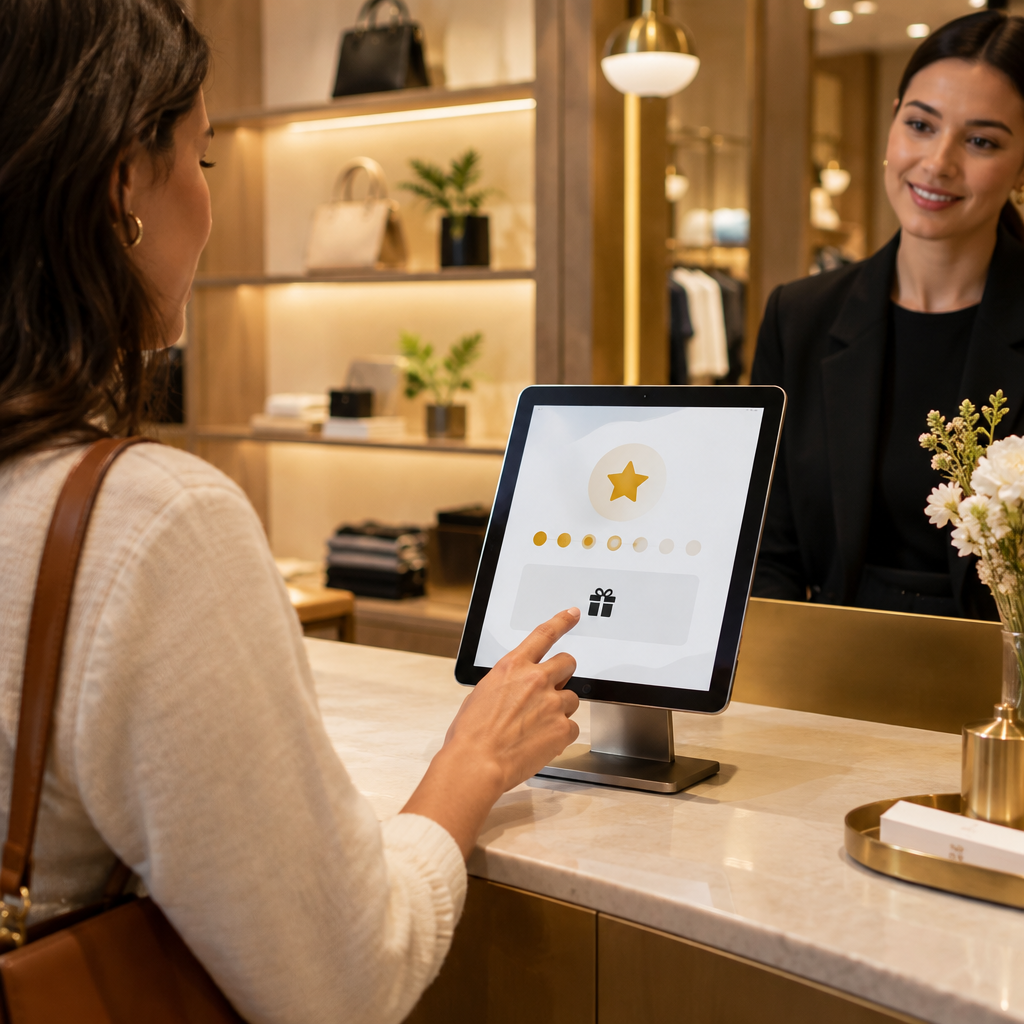
Start at the counter tablet. After the frame sale closes, the cashier turns the tablet toward the patient and asks for a mobile number and email address. The tablet records consent for recall messages, the frame purchase date, the last exam date, the prescribing optometrist, the store location, and the preferred contact channel. Keep the screen short. A patient standing at the register will answer three fields; a patient will abandon a twelve-field form.
Use the POS sale as the trigger. When the system sees a prescription frame transaction, it creates a recall profile with a due date twelve months out. The cashier does not calculate dates or write a card. The tablet can print a receipt, send a digital receipt, and issue a wallet pass in the same step. For multi-location stores, attach the patient to the selling location and allow the recall queue to route to the location that owns the relationship. If the patient moves, the wallet pass still carries the store brand and a booking link.
Collect the minimum data needed for a useful recall: name, mobile number, email, consent status, frame purchase date, last exam date, prescription expiry if available, store location, and language preference. Add a note field for frame type or lens category when the optician already knows the detail. Skip unnecessary survey questions at the counter. The recall message can ask for preferences later.
### 2. Issue Wallet Passes That Carry the Recall Date
Apple and Google Wallet passes replace the forgotten plastic loyalty card. For optical stores, the pass serves a specific operational job: it stores the patient’s next exam month, the store location, and a booking link. The patient adds the pass at checkout with one tap. The pass updates when the patient books, completes an exam, or changes contact details. The store avoids an app download and the patient avoids a paper card in a wallet.
Use the wallet pass as a quiet reminder. The pass can show Next exam: March 2025 and a button for Book exam. When the patient opens the pass, the store gets a visit signal. That signal helps the recall queue prioritize patients who show interest. The pass also gives the front counter a fast lookup tool: the patient presents the pass, the cashier scans it, and the patient record opens on the tablet.
The wallet pass should carry the store name, location phone number, booking link, and next exam date. Keep the design plain and readable. Avoid crowding the pass with promotions. A recall pass works best as a practical appointment card. Update the pass after every completed exam so the next 12-month date stays accurate.
### 3. Trigger Messages at 11, 12, and 13 Months
Set a three-step recall cadence. The sequence starts at 11 months with a heads-up message: Your annual vision exam is due next month. Book at [link] or reply BOOK. The 12-month message becomes the primary recall with the store location, optometrist availability, and a booking link. A final follow-up at 13 months offers a simple reply option. Stop the sequence when the patient books, completes an exam, opts out, or requests a different contact channel.
The cadence needs clear rules. Send messages during local business hours. Cap recall messages per patient per month. Suppress the 12-month message when the patient already has an appointment. Suppress all recall messages when the patient opts out. Use SMS for quick action and email for detail. The wallet pass carries the persistent reminder. For a parallel SMS cadence built around a specific weekly traffic pattern, see [Cinema Loyalty Marketing: Automating Tuesday Foot Traffic via SMS](https://loyaltynation.io/resources/cinema-loyalty-program-sms-marketing). The same timing discipline applies to optical recall: send when the patient can act, and make the next step obvious.
Message copy should include the patient’s name, the store name, the exam due month, and one action. Keep the text short. Hi Anna, your annual vision exam at Northside Optical is due this month. Book here: [link]. Reply STOP to opt out. Avoid long explanations at the SMS stage. The booking page can carry the details, insurance notes, and location hours.
### 4. Coordinate Appointment Scheduling and Recall
Recall messages create bookings, and bookings require schedule control. Connect the recall queue to the optometrist’s calendar. When a patient replies BOOK, the system sends a booking link or places the patient in a staff task list. The front desk sees due patients in a daily queue, calls patients who prefer phone contact, and fills cancellations from the recall list. The goal is a working schedule with measurable bookings.
Appointment reminders need their own sequence. Send a confirmation at booking, a reminder 48 hours before the exam, and a short reminder on the morning of the appointment. Include a reschedule link. Track no-shows and route them back to the recall queue. For a focused appointment-recall workflow, see [Barbershop Client Retention: Automated SMS Appointment Recalls](https://loyaltynation.io/resources/barbershop-client-retention-automated-sms). The operational lesson transfers to optical: automated reminders reduce empty chair time when the front desk can act on replies and exceptions.
Optical stores also need a frame-repair and adjustment path. Some patients need a frame adjustment or lens replacement without a new exam. Add a secondary reply option: Reply 2 for frame adjustment. That option captures foot traffic without forcing an exam booking. The front counter can handle the visit, check the prescription, and schedule the exam if needed.
### 5. Measure Return Foot Traffic by Cohort
Measure recall by cohort and track message volume separately. Group patients by frame purchase month. Track the 12-month return rate: the percentage of patients who complete an exam within 30 days of the due date. The 13-month recovery rate shows the percentage who return after the first follow-up. Booked-to-show rate, revenue per recalled patient, frame repurchase rate, and location-level performance complete the scorecard. Compare stores with the same cadence and message rules.
Use a simple dashboard. Today’s recall queue sits in front of the front desk, weekly recall bookings appear for the manager, and cohort return rates with revenue attribution roll up to the owner. A useful baseline is the share of prescription frame buyers who return on schedule. There is no universal percentage because patient mix, insurance rules, and local competition vary. A working target for many independent optical stores is a 45–65% on-schedule return rate for prescription frame buyers after a consistent automated 12-month recall. Measure your own baseline first, then improve the follow-up timing, message copy, and booking friction.
Run controlled tests. Change one variable at a time: send time, message length, booking link placement, or a small service incentive. Keep the recall service-focused. A free frame adjustment or lens cleaning offer can work better than a deep discount because it protects margin and brings the patient to the counter. Track revenue per recalled patient alongside open rates.
## Implementation Checklist / Protocol
| Step | Action | Owner | Timing | Success Check |
| — | — | — | — | — |
| 1 | Add a counter-tablet recall prompt to the frame checkout flow | Store owner and POS admin | Before launch | Cashier completes the prompt in under 30 seconds |
| 2 | Define required fields: mobile, email, consent, purchase date, last exam, location | Operations lead | Week 1 | 95% of frame sales create a recall profile |
| 3 | Issue Apple and Google Wallet passes at checkout | Front desk | Week 1 | 60%+ of patients add the pass |
| 4 | Set the 11, 12, and 13-month message cadence | Marketing and operations | Week 2 | Messages send on schedule and suppress after booking |
| 5 | Connect recall replies to the booking calendar | Practice manager | Week 2 | Replies become booked appointments within one business day |
| 6 | Build a daily recall queue for the front desk | Store manager | Week 3 | Staff works the queue during every shift |
| 7 | Add 48-hour and same-day appointment reminders | Front desk | Week 3 | No-show rate falls against baseline |
| 8 | Review cohort return rates monthly | Owner and location managers | Month 4 | 12-month return rate improves by location |
| 9 | Test one message variable per month | Marketing lead | Ongoing | Winning variant becomes the default |
| 10 | Calculate repeat foot traffic revenue by cohort | Owner | Quarterly | Recall revenue is visible by store and month |
Use the checklist as an operating protocol. Assign one owner per step. Train the front desk on the counter tablet and the recall queue. Write a short script for patients who ask why the store needs a mobile number: We send your annual exam reminder and appointment link. You can opt out at any time. Keep consent records available. Review opt-outs and message frequency every week during the first month.
## Conclusion & CTA
Optical stores already have the most valuable recall trigger in retail: a dated frame sale and a 12-month vision exam cycle. Manual lists waste that trigger. A counter tablet, wallet pass, automated message cadence, and cohort dashboard turn the cycle into predictable repeat foot traffic. Front desk staff receive a daily work queue, patients receive a simple reminder, and owners gain a measurable return rate by store and purchase month.
Book an in-store counter demo with Loyalty Nation or calculate repeat foot traffic revenue gains for your optical locations. Bring your frame sales volume, current recall process, and location count. We will map the checkout trigger, wallet pass, and 12-month message sequence to your counter workflow.
