# Family Entertainment Loyalty: Storing Arcade Credit Balances in Wallets
– [The Core Answer](#the-core-answer)
– [The Problem: Arcade Credit Lives on Cards That Guests Forget](#the-problem-arcade-credit-lives-on-cards-that-guests-forget)
– [The Solution: Wallet Passes as Live Arcade Credit Ledgers](#the-solution-wallet-passes-as-live-arcade-credit-ledgers)
– [Wallet Pass Architecture for Arcade Reloads](#wallet-pass-architecture-for-arcade-reloads)
– [Counter Tablet Workflow: Reload in Seconds](#counter-tablet-workflow-reload-in-seconds)
– [Automated Visit Tracking and Reload Triggers](#automated-visit-tracking-and-reload-triggers)
– [Multi-Location Credit Balances and Reporting](#multi-location-credit-balances-and-reporting)
– [Implementation Checklist](#implementation-checklist)
– [Conclusion & CTA](#conclusion–cta)
## The Core Answer
> Family entertainment centers track arcade card reloads by linking each game card to a smartphone wallet pass with a unique identifier. At the counter, the POS or tablet sends the reload amount to the loyalty platform; the platform updates the pass balance, pushes the new credit to Apple Wallet or Google Wallet, and logs the visit against the guest profile. Guests scan the pass at reload stations or game kiosks. Managers see live reload totals, visit gaps, and location-level liability in one dashboard. [smartphone digital wallet passes for physical stores](https://loyaltynation.io/platform/digital-wallet-passes) provide the core infrastructure.
## The Problem: Arcade Credit Lives on Cards That Guests Forget
Arcade credit often sits on a plastic card that stays in a car cup holder, a kitchen drawer, or a lost backpack. The guest reaches the counter with no card, asks for a balance lookup, and the cashier has to search by phone number, name, or card number. That lookup adds 30 to 90 seconds to a transaction, and it slows the line during peak birthday-party turnover. The card itself carries no useful marketing surface beyond a logo. Managers cannot see which guest loaded $20 last Saturday, which family skipped two weekends, or which balance has been dormant for 90 days. The game system records the reload, yet that record rarely reaches a retention workflow.
The same loss pattern shows up in paper punch cards and cafe stamp cards. The operational fix is to attach the balance to a digital pass the guest already carries. For a parallel counter workflow, see [Cafe Loyalty Cards in Apple Wallet: Slashing Punch Card Loss by 80%](https://loyaltynation.io/resources/digital-coffee-punch-card-apple-wallet). Family entertainment centers face a higher stakes version because arcade credit is stored value. Lost cards create guest disputes, orphaned balances, and reconciliation work at month-end. Front-counter staff need a fast answer to one question: how much credit does this guest have, and where did it come from?
## The Solution: Wallet Passes as Live Arcade Credit Ledgers
A wallet pass turns the guest phone into a visible, updateable account card. The pass holds a unique identifier, shows the current arcade credit balance, and updates after every reload or gameplay deduction. The actual ledger stays in your point-of-sale or game card system. The pass is the guest-facing display and the scan target at the counter. This separation keeps stored value secure while giving guests instant balance visibility.
### Wallet Pass Architecture for Arcade Reloads
Set up one pass template per brand, then issue a unique pass instance per guest or per game card. The pass serial number maps to the card ID in your loyalty platform. Populate visible fields with arcade credit balance, last reload amount, last visit date, and home location. Encode the card ID or a tokenized guest ID in the barcode or QR code. The cashier scans that code with the counter tablet, and the POS retrieves the live balance from the game system.
Reloads flow through an API. The POS posts a reload event with card ID, amount, payment method, location ID, timestamp, and cashier ID. The loyalty platform writes a ledger entry, updates the pass field, and requests a pass update through Apple Wallet or Google Wallet. Apple devices receive the updated pass through the pass update service; Android devices receive the update through Google Wallet. The guest sees the new balance without opening an app or typing a password.
The same identity capture model works beyond arcades. [Boutique Retail Customer Capture: Frictionless In-Store Digital Passes](https://loyaltynation.io/resources/boutique-retail-customer-loyalty-passes) covers how to collect guest details at the counter without slowing checkout. For family entertainment centers, capture a phone number or email at first reload, attach it to the pass, and use it for balance recovery. Keep the barcode value tokenized. Never store raw payment data in the pass. Use signed pass templates and rotate access keys on a schedule.
### Counter Tablet Workflow: Reload in Seconds
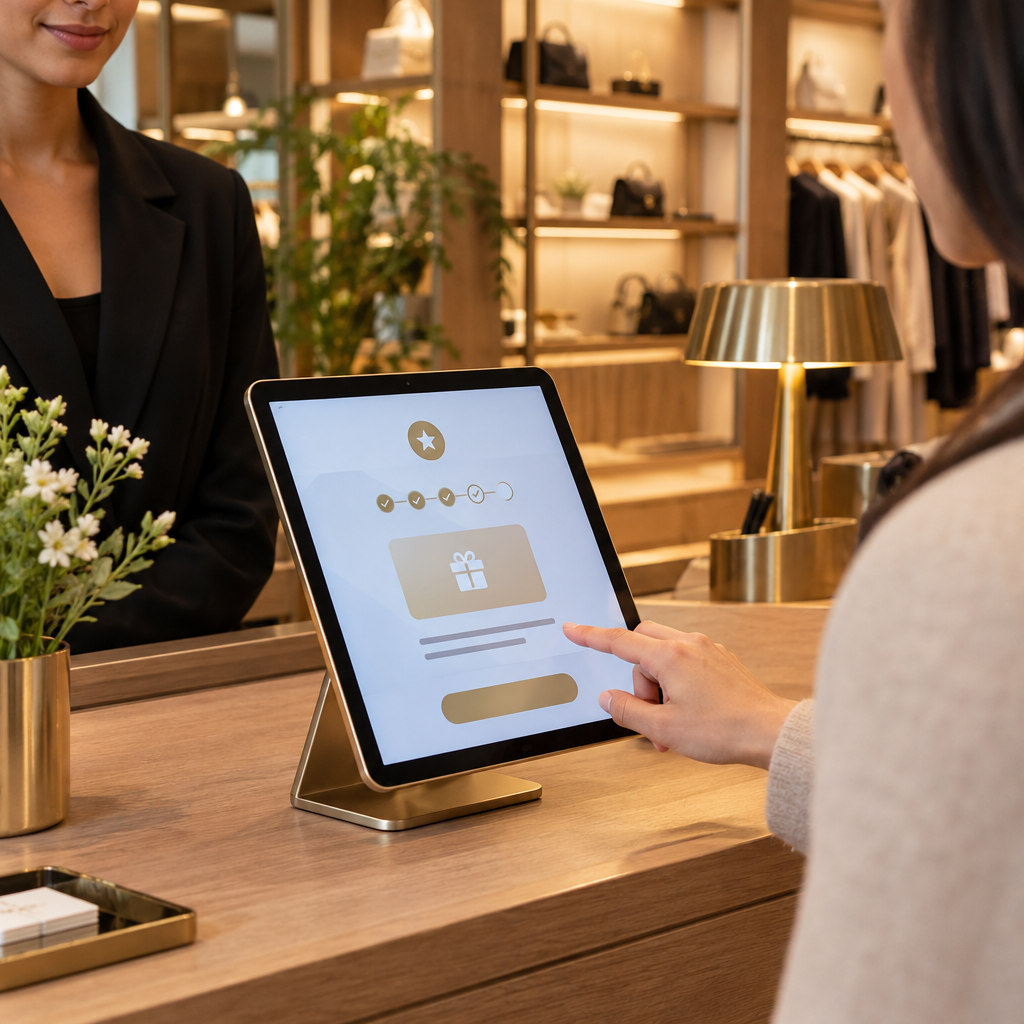
Place a tablet at the reload counter with a scanner or camera. The cashier greets the guest and asks for the wallet pass or the physical card. Scan the pass barcode. The tablet shows guest name, current arcade credit, last visit, and active reload offer. Enter the reload amount, take payment, and confirm. The platform updates the pass balance and logs the visit. The guest receives a pass update before leaving the counter.
Train staff on three actions: scan, confirm balance, and post reload. Use large buttons and a clear success state. Add an offline fallback that looks up the card by phone number or card number if the guest phone battery is dead. Print a receipt with the new balance and a QR code for pass installation. Keep the physical card active as a backup during the transition. The goal is a reload that takes 8 to 12 seconds at the counter, compared with a manual balance lookup that stretches past a minute.
### Automated Visit Tracking and Reload Triggers
Every scan creates a visit event. The loyalty platform records the timestamp, location, reload amount, and gameplay activity from the game system. Managers can see visit gaps, average days between visits, reload frequency, and average reload value. Set a low-balance trigger at 20 percent remaining. When a pass crosses that threshold, the platform updates the pass with a reload reminder or sends an opt-in message. Set a win-back trigger for guests who have not visited in 21 or 30 days. Use the pass update to show a birthday party offer, a weekend bonus credit, or a school-break reload promotion.
Track the trigger against actual reloads. Assign a promotion code or pass field to the offer and compare reload counts for the exposed group against a control group. This measurement shows whether the pass update drove foot traffic or simply coincided with a busy Saturday. Family entertainment centers can run separate triggers for weekday afternoons, rainy weekends, and party follow-ups. The data stays attached to the guest profile, so the next counter visit shows the last offer and the last reload.
### Multi-Location Credit Balances and Reporting
Multi-location operators need a clear policy for arcade credit. Choose location-specific balance or network-wide balance. Location-specific balance keeps liability tied to the store that took payment. Network-wide balance gives guests flexibility and requires a central ledger with location-level reporting. Configure the pass to show the home location, the current balance, and the last reload location. The manager dashboard should report reload totals by location, outstanding credit liability, redemption velocity, and inactive balances.
Reconcile wallet pass balances with the game card system daily. Match reload events, gameplay deductions, and adjustments. Flag any pass update that fails and retry it. Export reports for finance and operations. Use location-level reload data to staff the counter during peak windows and to plan game room capacity. The pass gives guests a visible balance; the reporting layer gives managers a reliable view of stored-value liability.
## Implementation Checklist
| Step | Operational Task | Success Metric |
| — | — | — |
| 1 | Map game card IDs to wallet pass serial numbers | 100 percent of active cards mapped |
| 2 | Build reload API between POS, game system, and loyalty platform | Reload event posts in under 2 seconds |
| 3 | Configure pass template with balance, last reload, and barcode | Pass shows live balance after test reload |
| 4 | Test Apple Wallet and Google Wallet push updates | Update reaches device within 30 seconds |
| 5 | Train counter staff on scan, confirm, reload, and fallback lookup | Reload transaction under 12 seconds |
| 6 | Set low-balance and win-back triggers | Trigger list approved by operations |
| 7 | Build daily reconciliation report | Zero unresolved balance variances |
| 8 | Review location reload and visit-gap reports weekly | Repeat visit rate improves against baseline |
## Conclusion & CTA
Family entertainment centers can turn arcade credit into a retention asset when the balance lives on a wallet pass. The counter tablet scans a code, the POS posts a reload, and the guest sees the updated credit on the phone home screen. Managers gain visit history, reload triggers, and location-level liability reporting. Start with one counter and one pass template. Measure reload speed, pass update success, and repeat visits over four weeks.
Book an in-store counter demo to test the scan-and-reload workflow with your current POS. Calculate repeat foot traffic revenue gains by comparing your current reload frequency with a wallet-pass baseline. Bring your front-counter team, your game card system details, and one week of reload data. You will leave with a rollout plan for the first location.