# Auto Repair Customer Retention: Mileage-Based Service Recall Texts
## Table of Contents
– [The Core Answer](#the-core-answer)
– [The Problem: Missed Mileage Windows at the Service Counter](#the-problem-missed-mileage-windows-at-the-service-counter)
– [The Solution: A Mileage Recall System Built for Auto Repair Bays](#the-solution-a-mileage-recall-system-built-for-auto-repair-bays)
– [Step 1: Capture Mileage and Contact Data at Checkout](#step-1-capture-mileage-and-contact-data-at-checkout)
– [Step 2: Set the 5,000 Mile Synthetic Oil Rule](#step-2-set-the-5000-mile-synthetic-oil-rule)
– [Step 3: Build the Reminder Queue from Your POS or CRM](#step-3-build-the-reminder-queue-from-your-pos-or-crm)
– [Step 4: Send SMS and Wallet Pass Reminders at the Right Gap](#step-4-send-sms-and-wallet-pass-reminders-at-the-right-gap)
– [Step 5: Handle Replies, Booking, and Counter Handoff](#step-5-handle-replies-booking-and-counter-handoff)
– [Step 6: Measure Return Rate, Bay Revenue, and Reminder ROI](#step-6-measure-return-rate-bay-revenue-and-reminder-roi)
– [Implementation Checklist / Protocol](#implementation-checklist-protocol)
– [Conclusion & CTA](#conclusion-cta)
> Automate 5,000-mile synthetic oil change reminders by capturing mileage at check-in, storing the next service due in your POS or CRM, and sending SMS plus Apple/Google Wallet pass alerts near the mileage window. The sequence should include a reply path, a booking link, and a counter prompt at the next visit. This workflow belongs inside [automated foot traffic re-engagement and win-back messaging](https://loyaltynation.io/platform/foot-traffic-triggers), so every oil change becomes a tracked return visit instead of a paper sticker.
## The Problem: Missed Mileage Windows at the Service Counter
Auto repair shops already earn the first visit. The customer arrives for an oil change, pays at the counter, and drives away with a paper sticker on the windshield. Six weeks later, the sticker fades from attention. The vehicle passes 5,000 miles, then 6,000, then 7,000. The shop has no reliable trigger to bring that customer back because the odometer reading lives on a repair order, a sticker, or a service advisor’s memory. This gap sits inside [automated foot traffic re-engagement and win-back messaging](https://loyaltynation.io/platform/foot-traffic-triggers), where a known visit event should create the next visit event.
The operational cost shows up in bay utilization. Synthetic oil changes are scheduled maintenance, so they protect future brake, tire, fluid, and diagnostic revenue. A customer who misses two oil intervals often misses the brake inspection that would have surfaced worn pads. The front counter stays busy with walk-ins and phone calls, and manual reminder calls fall to the end of the day. Paper punch cards do not solve this problem because they do not track mileage, do not update a wallet pass, and do not create a booking link.
Multi-location shops face a sharper version of the same issue. A customer may buy an oil change at the north store, move across town, and never receive a reminder from the south store. The vehicle record and the customer record sit in separate systems. The shop cannot see a visit gap by location, vehicle, or mileage band. Return rate becomes a monthly guessing game instead of a measured revenue channel.
## The Solution: A Mileage Recall System Built for Auto Repair Bays
The workable system connects counter data to a mileage rule, then sends reminder texts and wallet pass updates at the right visit gap. The shop needs three data points: the odometer at service, the synthetic oil interval, and a mobile number with SMS consent. From there, the platform calculates the next due mileage, queues the reminder, and tracks the return visit.
### Step 1: Capture Mileage and Contact Data at Checkout
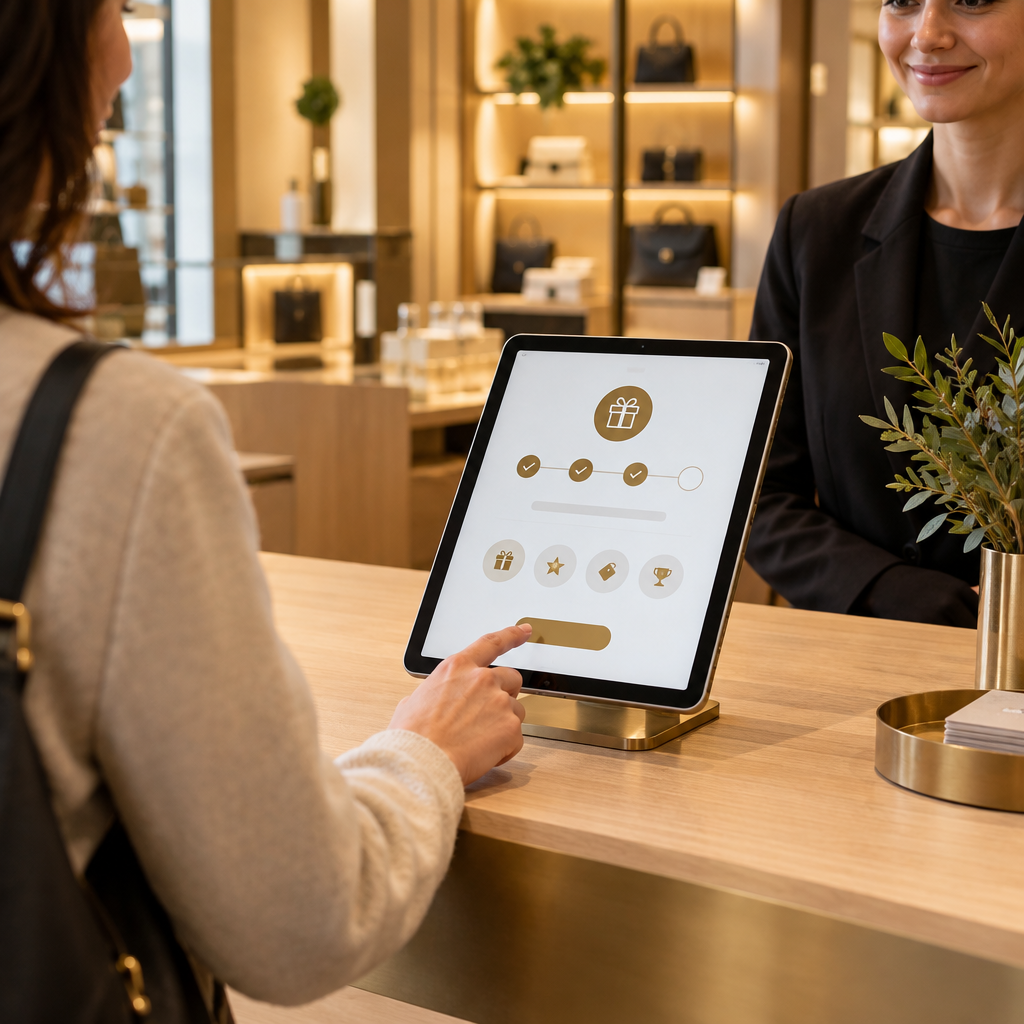
Place a tablet at the write-up counter or service desk. Make odometer entry a required field on every oil change ticket. Capture customer name, mobile number, SMS consent status, vehicle year, make, model, current mileage, oil type, service date, and preferred shop location. Add VIN when the shop already collects it. The service advisor confirms the number in front of the customer, then sends a welcome pass to Apple Wallet or Google Wallet.
The data handoff should be simple. The counter tablet writes the ticket details into the POS or CRM. A nightly sync pushes new oil change records into the loyalty platform. Required fields prevent the common failure where a ticket closes with a mobile number but no mileage. If a customer declines SMS, the shop still records the mileage and wallet pass so the next counter visit can prompt a reminder.
### Step 2: Set the 5,000 Mile Synthetic Oil Rule
Build a rule around the shop’s actual service policy. For full synthetic oil, a common baseline is 5,000 miles or six months, whichever comes first. The rule engine calculates next due mileage as current odometer plus 5,000. It also calculates a due date six months out. The platform sends the first reminder near 4,500 miles, the due reminder at 5,000 miles, and one overdue reminder at 5,500 miles. Stop after the overdue reminder unless the customer replies.
Vehicle age, severe driving, and manufacturer schedules can adjust the interval. A turbocharged engine, heavy towing, or short-trip driving may justify a tighter window. The key is to document the rule by oil product and vehicle class. The service advisor should see the same rule at the counter so the reminder text matches the sticker and the invoice.
### Step 3: Build the Reminder Queue from Your POS or CRM
Run a daily queue build. Match each closed oil change invoice to a customer profile. Remove duplicate vehicles, open repair orders, customers with a booked appointment, and customers who opted out. Segment by mileage band, location, and last visit date. A customer at 4,700 miles belongs in the pre-due queue. A customer at 5,200 miles belongs in the due queue. A customer at 5,800 miles belongs in the recovery queue.
For multi-location merchants, route the reminder to the shop closest to the customer’s preferred location or last service address. Store the location ID on the reminder record. This routing keeps the booking link pointed at the right service bay and avoids sending a customer to a store that cannot honor the appointment. The queue becomes the operational list for the front desk, not a hidden marketing report.
### Step 4: Send SMS and Wallet Pass Reminders at the Right Gap
The SMS copy should fit a counter conversation: shop name, vehicle, current due mileage, one booking link, and a reply option. Example: “Northside Auto: Your 2019 Civic is due for synthetic oil at 55,000 miles. Book here: [link]. Reply BOOK or call the shop.” Include STOP and HELP language according to SMS compliance rules. Keep the message short enough to read on a lock screen.
Wallet passes update automatically. The pass shows the next service due in miles and date, plus the shop phone number. The customer receives a lock-screen update when the vehicle enters the reminder window. Timing discipline matters here. A fixed weekly send schedule keeps the queue predictable, similar to [Cinema Loyalty Marketing: Automating Tuesday Foot Traffic via SMS](https://loyaltynation.io/resources/cinema-loyalty-program-sms-marketing), where a known calendar trigger creates a reliable attendance pattern. For repair shops, the mileage window is the calendar trigger.
### Step 5: Handle Replies, Booking, and Counter Handoff
Two-way SMS turns the reminder into a front-counter workflow. If the customer replies BOOK, the platform sends the booking link and tags the conversation for the service advisor. If the customer replies with a mileage question, the advisor sees the vehicle record and last odometer reading. If the customer replies STOP, the system suppresses future texts and records the opt-out reason. One follow-up after seven days is enough for non-responders.
When the customer books, the appointment should carry the reminder source, vehicle ID, and due mileage into the schedule. At check-in, the advisor confirms the odometer and updates the next due mileage after service. This reply-to-booking pattern follows [Barbershop Client Retention: Automated SMS Appointment Recalls](https://loyaltynation.io/resources/barbershop-client-retention-automated-sms), where a short recall message fills appointment slots without adding phone time. The repair shop applies the same recall discipline to mileage and bay capacity.
### Step 6: Measure Return Rate, Bay Revenue, and Reminder ROI
Track metrics by reminder cohort. Measure delivery rate, reply rate, booking rate, show rate, return visit within 30 days, average repair order, and revenue per reminder sent. Segment by mileage band, vehicle age, oil product, and shop location. Compare reminded customers with a control group that received no mileage text. The comparison shows the incremental return rate instead of total visits that would have happened anyway.
Track the first-time oil change customer for twelve months. Count brake jobs, tire sales, fluid services, and diagnostic visits. The brake job conversion from this cohort is the clearest proof that oil change reminders protect higher-ticket work. Calculate repeat foot traffic revenue as booked visits multiplied by show rate and average repair order. Review the results every 30 days and adjust the reminder window, message copy, and booking link placement.
## Implementation Checklist / Protocol
| Step | Operational action | Data to log | Success check |
| — | — | — | — |
| 1 | Add odometer entry as a required field at write-up | Current miles, service date, vehicle, oil type | 95% or more oil change tickets include mileage |
| 2 | Confirm mobile number and SMS consent at the counter | Mobile number, consent status, customer ID | Consent captured on every eligible ticket |
| 3 | Issue Apple Wallet or Google Wallet pass at checkout | Pass ID, next due mileage, due date | Customer receives pass before leaving the counter |
| 4 | Set the synthetic oil rule by product and vehicle class | Interval miles, interval months, rule version | Rule matches invoice and sticker |
| 5 | Build the daily reminder queue from POS or CRM | Queue date, mileage band, location ID | Duplicates and opt-outs removed before send |
| 6 | Send pre-due, due, and overdue SMS reminders | Send time, message version, booking link | Delivery rate above 95% |
| 7 | Route replies to the service advisor | Reply type, response time, booking outcome | Replies answered during business hours |
| 8 | Update mileage at the next check-in | New odometer, next due mileage, visit source | Reminder source appears on the repair order |
| 9 | Review return rate and revenue by cohort | Return visits, brake jobs, average ticket | Incremental revenue per reminder is positive |
| 10 | Adjust windows and copy every 30 days | Send window, reply rate, opt-out rate | Repeat foot traffic revenue grows by location |
## Conclusion & CTA
A 5,000-mile synthetic oil change reminder works when the shop treats mileage as operational data. Capture the odometer at the counter, calculate the next due mileage, send a text and wallet pass at the right window, and route every reply back to the service advisor. This workflow turns a low-margin maintenance visit into a measured path toward brake jobs, tires, fluids, and diagnostic work.
Book an in-store counter demo with Loyalty Nation to map your reminder workflow from write-up to booking, or calculate repeat foot traffic revenue gains from your current oil change volume and average repair order.
