## Table of Contents
– [The Core Answer](#the-core-answer)
– [The Problem: Forgotten Tickets and Silent Conveyors](#the-problem-forgotten-tickets-and-silent-conveyors)
– [The Solution: Digital Passes and Automated Pickup Alerts](#the-solution-digital-passes-and-automated-pickup-alerts)
– [Implementation: Counter Tablet Capture and Wallet Pass Enrollment](#implementation-counter-tablet-capture-and-wallet-pass-enrollment)
– [Workflow: Drop-Off Cycle Tracking and Pickup Notification Logic](#workflow-drop-off-cycle-tracking-and-pickup-notification-logic)
– [Counter Speed and Staff Adoption](#counter-speed-and-staff-adoption)
– [Multi-Location and POS Data Sync](#multi-location-and-pos-data-sync)
– [Implementation Checklist / Protocol](#implementation-checklist–protocol)
– [Conclusion & CTA](#conclusion–cta)
> The core answer: Use a counter tablet to capture customer, garment, and promise-date data at drop-off. Issue a digital wallet pass with the ticket and ready date. Send a ready-for-pickup alert when the order clears finishing. Track collection and visit gaps to trigger repeat drop-off offers.
## The Problem: Forgotten Tickets and Silent Conveyors
Neighborhood dry cleaners run on tight counter windows. A customer drops off three shirts before work, a cashier writes a paper ticket, and the order moves to spotting, cleaning, pressing, and quality check. The paper ticket carries a number and a promise date. It rarely carries a digital identity that can follow the customer to their phone. A counter tablet connected through [retail POS loyalty and counter terminal integration](https://loyaltynation.io/platform/pos-integrations) can tie the ticket to a customer profile without slowing the line. That connection turns a paper slip into a visit cycle: drop-off date, promised ready date, collection date, and the next expected drop-off.
Manual pickup calls consume staff time. A cashier or manager opens a paper stack, dials numbers, and leaves voicemail. Many customers prefer a wallet pass or text message. Uncollected orders take rack space. Owners see finished inventory and lack a clear aging view. The store loses repeat drop-off opportunities because it does not know which customers have a usual cycle. A customer who drops off every 14 days may skip to 30 days. Without visit data, the store cannot prompt a return before the habit breaks.
## The Solution: Digital Passes and Automated Pickup Alerts
Counter tablets, digital smartphone wallet passes, and automated visit tracking give the dry cleaner a repeatable pickup workflow. The system captures the drop-off cycle at the counter, sends ready alerts when garments clear finishing, and measures the gap between visits. Staff work from one queue. Customers see status on their phone. Owners see which orders need attention and which customers are due for a return trip.
### Implementation: Counter Tablet Capture and Wallet Pass Enrollment
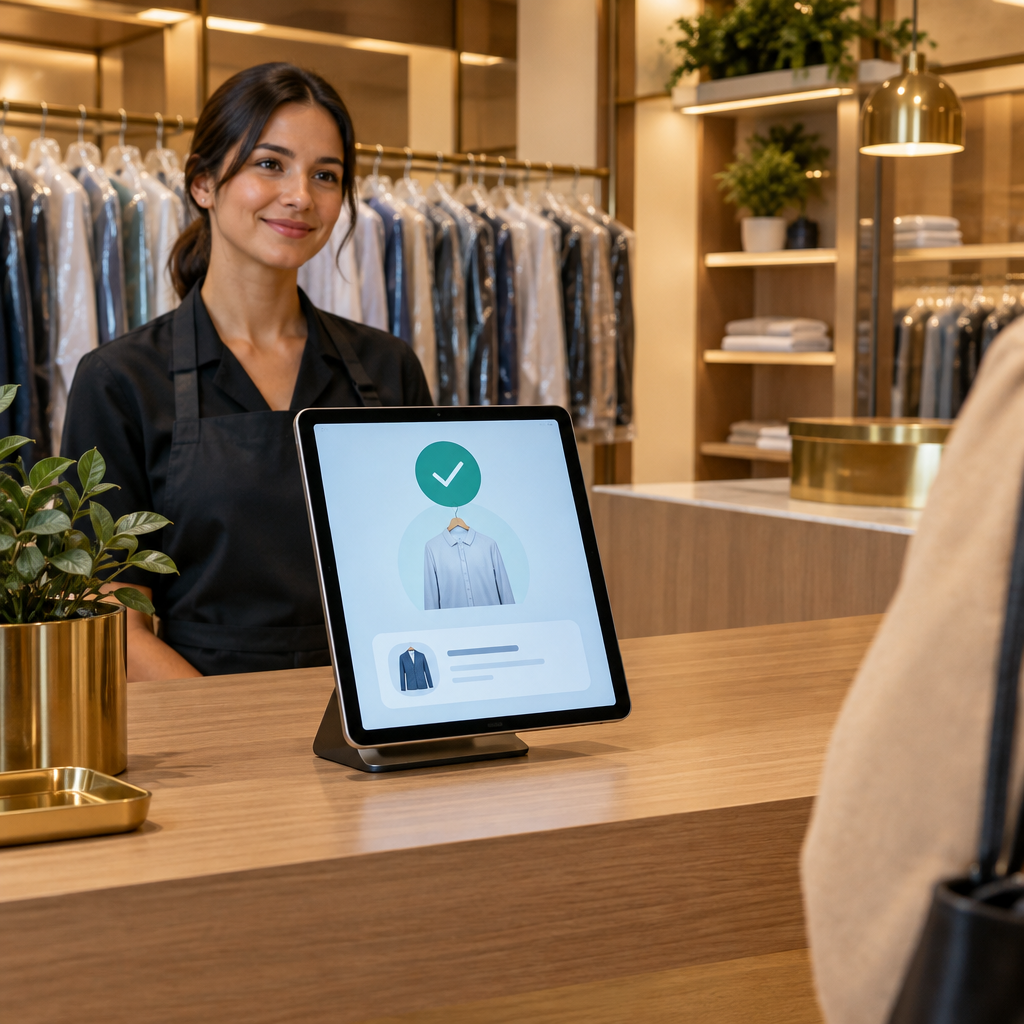
At drop-off, the tablet runs a short capture flow. The cashier scans or types the ticket, enters the customer phone number, and selects garments and service. The tablet prompts for wallet pass enrollment. The customer taps to add the pass to Apple Wallet or Google Wallet. The pass holds the order number, store location, ready date, and status. Customers use Apple Wallet or Google Wallet with no app install. The cashier hands over the printed ticket and issues the digital pass. Enrollment takes seconds and happens while the ticket prints. The system stores the customer profile, ticket history, visit dates, and consent status.
The counter tablet shows a queue of orders by status: received, in cleaning, ready, collected. Staff update status with one tap. This capture point makes the rest of the workflow possible. Every drop-off creates a data record. Every pickup scan closes the loop. The store can then send an automated pickup alert and track the next expected drop-off.
### Workflow: Drop-Off Cycle Tracking and Pickup Notification Logic
Define order statuses and triggers. Every order gets a drop-off timestamp and a promised ready date. When quality check marks the order ready, the system updates the wallet pass and sends a ready-for-pickup alert. The alert includes store name, pickup window, order number, and a simple call-to-action. If the customer enabled wallet updates, the pass shows ready status. As a fallback, send SMS or email. Set timing rules: ready by 2 p.m. sends same day at 4 p.m.; ready after 4 p.m. sends next morning at 9 a.m. The store controls quiet hours.
If the order stays uncollected at 72 hours, send a reminder. At five days, send a final notice and flag the order for a manager call. Capture collection at the counter with a pickup scan. That scan closes the cycle and updates the customer visit history. The system then calculates the gap between drop-off dates. If a customer’s usual cycle is 21 days and the last drop-off was 28 days ago, trigger a repeat drop-off offer through the wallet pass. Keep the offer practical: 10% off next order, free press on one garment, or a priority ready time. Automated visit tracking turns foot traffic into predictable repeat revenue.
### Counter Speed and Staff Adoption
Counter speed decides adoption. The tablet must fit the existing workflow and keep the line moving. Train staff on one screen and three actions: scan ticket, confirm customer, issue pass. Keep the ticket printer and tag printer in the same place. Use a barcode scanner at the register. Place the tablet on a swivel stand so the cashier and customer can see the wallet enrollment prompt. The system should auto-fill customer details from a phone lookup. Staff keep notes short during a rush. Provide a short script: ‘Add your pickup pass to your phone. We will alert you when it is ready.’ Measure adoption by pass enrollment rate, alert delivery rate, and time-to-collection. A dry cleaner that sends 40 pickup alerts a day can cut manual calls by 30 to 60 minutes daily. Faster pickup also frees conveyor space and reduces lost-ticket searches.
### Multi-Location and POS Data Sync
Multi-location dry cleaners need one customer profile across branches. A customer who drops off at the north branch and collects at the south branch should see the same wallet pass status. Use POS data sync to update ticket totals, service codes, and collection events. If your stores run Square or Clover, [Square & Clover Loyalty Sync: Real-Time Counter Data Across Stores](https://loyaltynation.io/resources/square-clover-pos-loyalty-integration) shows how to pipe counter transactions into one loyalty profile. For franchise or multi-branch operations, [Multi-Store Loyalty Management: Unifying Customer Profiles Across Branches](https://loyaltynation.io/resources/multi-store-franchise-retail-loyalty-software) covers profile merging, shared wallet passes, and branch-level reporting. Set branch-level rules for pickup alerts to prevent duplicate messages from two stores. Use a single order status source. Report repeat drop-off rates by branch, average days to collection, and uncollected order aging.
## Implementation Checklist / Protocol
| Step | Operational Action | Success Metric |
| — | — | — |
| 1. Map counter flow | Time current drop-off and pickup steps. Record manual pickup calls and conveyor aging. | Baseline drop-off seconds and daily call volume |
| 2. Configure tablet capture | Build ticket fields, phone lookup, and wallet enrollment prompt. | Pass enrollment rate above 30% in month one |
| 3. Set status and alert triggers | Define ready, 72-hour reminder, and five-day final notice rules. | Alert sent within 15 minutes of ready status |
| 4. Train staff | Run a 15-minute huddle. Practice three test orders per employee. | 90% of staff complete three test orders |
| 5. Sync POS and customer profiles | Connect Square, Clover, or your current POS to the loyalty profile. | 95% of tickets match a customer profile |
| 6. Launch repeat drop-off offers | Set cycle rules and a practical offer for due customers. | 10% lift in repeat drop-offs within 60 days |
| 7. Review aging report | Check uncollected orders at 72 hours and five days. | Reduce orders over five days by 25% |
| 8. Audit alerts and opt-outs | Review delivery failures and consent records. | 98% delivery success with zero consent violations |
## Conclusion & CTA
Dry cleaners already track garments. The missing layer is a customer pass that connects each ticket to a phone, a ready date, and a repeat drop-off cycle. Counter tablets capture the data. Digital wallet passes carry the status. Automated pickup alerts move finished orders off the conveyor and back to the customer. Repeat drop-off tracking keeps the next visit from slipping. Book an in-store counter demo to test the tablet, wallet pass, and pickup alert workflow on your front counter. Then calculate repeat foot traffic revenue gains using your weekly drop-off volume, average ticket, and current uncollected order rate.
