- Quick Answer
- The Core Challenge
- The Step-by-Step Solution
- Step 1: Map Morning Visit Gaps and Set Baseline Metrics
- Step 2: Configure Double-Point Windows in the Loyalty Platform
- Step 3: Deploy Counter Tablets and Digital Wallet Passes
- Step 4: Automate SMS Reminders and Visit-Gap Re-Engagement
- Step 5: Tune Cashier Workflow for Morning Speed
- Step 6: Measure ROI and Adjust the Promotion Window
- Next Steps & Implementation
Quick Answer
Incentivize off-peak morning visits by setting a double-point window tied to your POS, promoting it through wallet passes and SMS, and tracking check-in speed at the counter. Use visit-gap triggers from automated foot traffic re-engagement and win-back messaging to invite lapsed customers back during that window. Measure lift in morning tickets and return rate.
The Core Challenge
Morning lulls at juice bars and smoothie counters create idle labor, spoilage risk, and low ticket averages. A customer who skips the 8 a.m. window may default to a nearby coffee shop for weeks; the habit gap is the real revenue leak. Paper punch cards disappear, counter staff forget to ask for them, and checkout lines slow when a customer digs for a card. A tablet-based loyalty system replaces that friction with a phone number or wallet pass scan at the counter. The operational challenge is turning the morning window into a predictable visit habit without slowing the line.
Juice bars face a second constraint: morning customers decide fast. They arrive with a smoothie order in mind, often on a commute, and they leave when the line stalls. Staff need a check-in step that takes seconds and a reward that lands before the customer reaches the register. Double-point promotions work when the loyalty engine reads the transaction timestamp from the POS, applies the multiplier automatically, and confirms the point total on the counter tablet. The promotion must feel like a routine part of the morning order. Keep administrative tasks away from the counter.
The morning window also carries inventory risk. Cold-pressed juice and cut fruit have short shelf lives. A slow 9 a.m. hour forces staff to discard product or discount it later. Double points shift demand into that hour without deep discounting. The reward adds perceived value while protecting the menu price. The operational test is simple: can the counter team apply the promotion at line speed? If the loyalty step takes longer than the drink order, the promotion hurts throughput.
The Step-by-Step Solution
Step 1: Map Morning Visit Gaps and Set Baseline Metrics
Pull four weeks of POS data for the 7 a.m. to 10 a.m. window. Compare transaction counts, average ticket, and item mix against the 11 a.m. to 2 p.m. window and against the same morning hours in prior weeks. Identify the slowest dayparts inside that window. Many juice bars see a 7:30 a.m. rush, a 9:00 a.m. dip, and a 9:45 a.m. recovery. The dip is the target for a double-point promotion. Break the data into 15-minute increments so you can see the exact gap.
Set baseline metrics before launching: morning transaction count, morning average ticket, morning visit frequency, loyalty check-in rate, SMS opt-in rate, and redemption rate. Segment customers by visit recency. Build a list of customers who visited three or more times in the last 60 days but have no visit in the last 14 days. This group responds well to a morning offer because they already know the menu and the counter routine. Define a six-week goal, such as a 15 percent lift in morning visits and a 10 percent lift in morning return rate. Record the baseline in the loyalty dashboard so you can compare results by store and by week.
Step 2: Configure Double-Point Windows in the Loyalty Platform
Create a promotion named ‘Morning Double Points’ in the loyalty admin. Set the multiplier to 2x, the active days to Monday through Friday, and the active hours to 7 a.m. to 10 a.m. Apply the promotion to all smoothies and fresh juices, or limit it to high-margin blends if you want to protect ingredient costs. Configure the POS integration to pass the transaction timestamp and line items to the loyalty engine. The engine checks the timestamp at the moment of sale, applies the multiplier, and posts the points after the transaction closes. Avoid manual point overrides at the counter; manual overrides create reconciliation work and slow the line.
Update the digital wallet pass with the morning offer. The pass should show the double-point window and the customer’s current point balance. Add a location note in the pass configuration so the offer appears when the customer is near the store. For multi-location merchants, clone the promotion for each store and adjust the window by store traffic patterns. A mall juice bar may run 8 a.m. to 11 a.m., while a commuter counter may run 6:30 a.m. to 9:30 a.m. Keep the promotion name consistent across stores so reporting stays clean. Set points to expire after 90 days and require manager approval for manual adjustments.
Step 3: Deploy Counter Tablets and Digital Wallet Passes
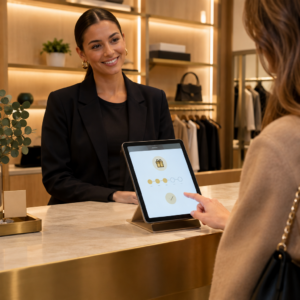
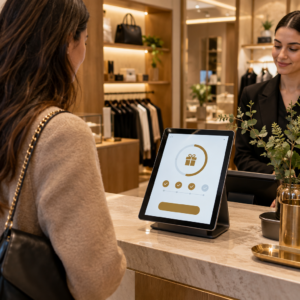
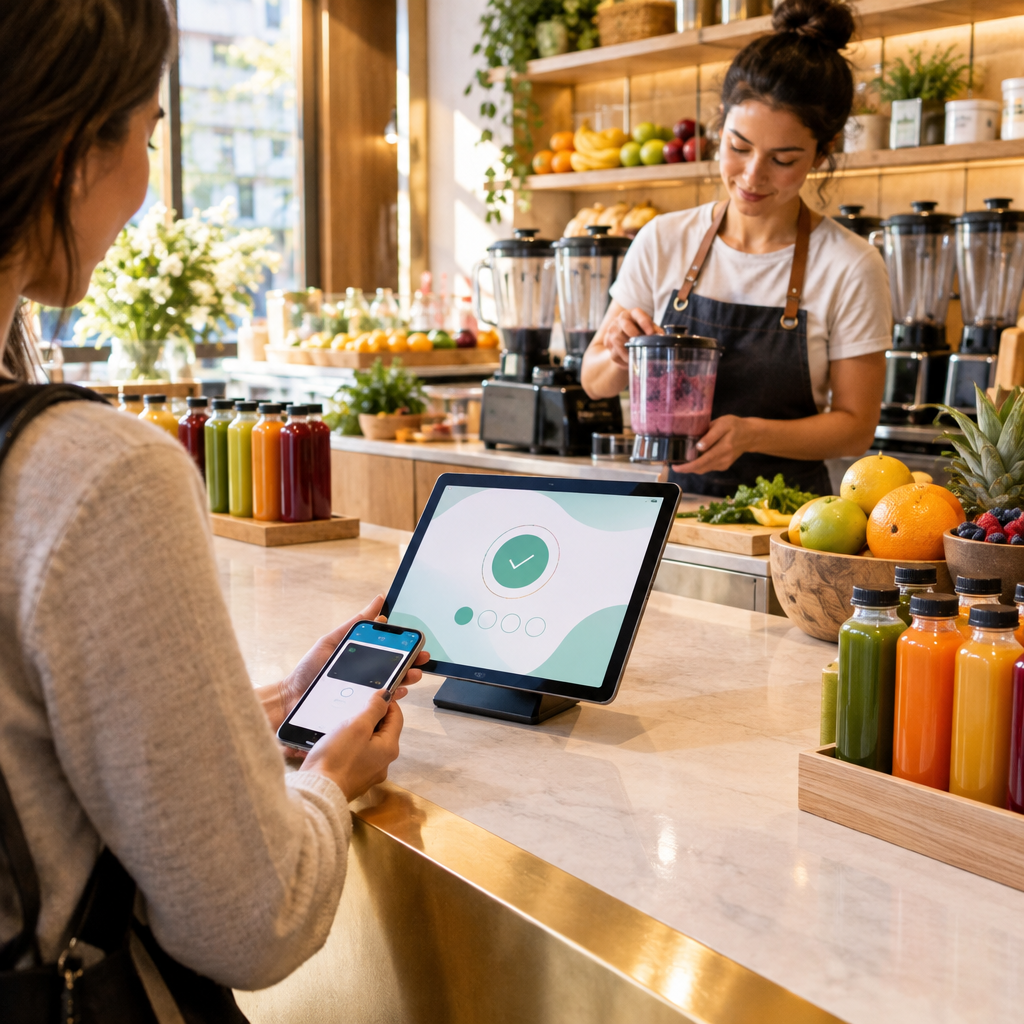
Place a tablet at the counter with the screen angled toward the customer. The tablet shows a single check-in screen: enter a phone number or tap a wallet pass. Staff ask one short question: ‘Double points this morning?’ The customer taps an Apple Wallet or Google Wallet pass, or enters a phone number on the tablet. The loyalty engine matches the customer, records the visit, and shows a confirmation with the point total and the next reward. The entire step takes three to five seconds when the workflow is clean.
Remove paper punch cards from the counter. Paper cards get lost, they slow the line, and they give you no visit data. Replace them with the tablet and wallet pass system. Train staff to keep the tablet charged, clean, and connected to the store Wi-Fi. Set the tablet to offline mode so check-ins continue during a network drop; the system syncs when the connection returns. Add a small sign at the register: ‘Double points until 10 a.m. Tap your wallet pass.’ The sign does the reminder work while staff focus on drink production. Keep a phone-number fallback visible for customers who do not use wallet passes.
Step 4: Automate SMS Reminders and Visit-Gap Re-Engagement
Build an SMS campaign that sends a morning reminder at 6:45 a.m. on Tuesday and Thursday. Target customers who have visited in the last 30 days but have no morning visit in the last 10 days. Use a short message: ‘Double points until 10 a.m. at [Store]. Show your wallet pass or give your phone number at the counter.’ Include the store address and a link to add the wallet pass. Use the same automation pattern as Cinema Loyalty Marketing: Automating Tuesday Foot Traffic via SMS to schedule daypart offers without manual sends each week.
Add a second trigger for customers who opened the first message but did not visit. Send a follow-up at 8:30 a.m. with a shorter reminder. For recall logic, borrow from Barbershop Client Retention: Automated SMS Appointment Recalls to send a single polite nudge and then stop for the day. Keep frequency low: two morning messages per week per customer. Track opt-out rate and adjust the audience if it climbs. Aim for a predictable morning habit. Keep message frequency low so the offer stays welcome.
Step 5: Tune Cashier Workflow for Morning Speed
Pre-batch smoothie bases and juice mixes before the morning rush. Place fruit, cups, lids, and straws within arm’s reach. Put the tablet on the customer side of the register so the customer can tap without reaching across the counter. Assign one staff member to loyalty check-in during the 7:30 a.m. to 9:00 a.m. peak. That staff member greets the customer, asks the double-points question, and confirms the check-in while another staff member starts the drink. The split workflow keeps the line moving.
Write a 10-second staff script: ‘Morning double points. Tap your pass or enter your number.’ Practice the script during a pre-shift huddle. Measure check-in time for a week. If the average exceeds five seconds, adjust the tablet placement or the script. Add a queue sign that shows the morning offer and the check-in steps. Keep the sign simple: one offer, one action, one time window. Staff can point to the sign when the line is long. The counter stays fast, and the customer still gets the reward.
Step 6: Measure ROI and Adjust the Promotion Window
Review the morning dashboard every Monday. Track morning transaction count, morning average ticket, loyalty check-in rate, SMS conversion rate, redemption rate, and visit frequency for the targeted segment. Calculate incremental morning revenue: multiply the visit lift by the morning average ticket. Subtract the cost of points liability and SMS sends. The result is the morning promotion ROI. If the 7 a.m. to 8 a.m. hour stays slow, move the double-point window to 8 a.m. to 10 a.m. and test again for two weeks.
Run a simple A/B test across stores. Store A runs 2x points; Store B runs 1.5x points. Compare the lift in morning visits and the redemption rate. Keep the multiplier that produces the best ROI. Use redemption count as a secondary check. Review the visit-gap list monthly and refresh the SMS audience. Use the same reporting rhythm for every store so managers can compare results and share what works. The promotion becomes a repeatable operating routine. Treat it as a recurring campaign block.
Next Steps & Implementation
Start with one store and one double-point window. Pull four weeks of morning POS data, set the promotion in the loyalty platform, and place the tablet at the counter. Run the SMS reminder for two weeks, then review morning visit lift, check-in speed, and ROI before you expand to additional locations.