# Gourmet Food Store Loyalty: VIP Member Pricing for Wine Tastings
## Table of Contents
– [The Problem: Ticketed Tastings Meet Counter Reality](#the-problem-ticketed-tastings-meet-counter-reality)
– [The Solution: VIP Pricing, Wallet Passes, and Fast Counter Check-In](#the-solution-vip-pricing-wallet-passes-and-fast-counter-check-in)
– [Set Up Ticket Tiers and Member Pricing](#set-up-ticket-tiers-and-member-pricing)
– [Run the Counter Workflow at Arrival](#run-the-counter-workflow-at-arrival)
– [Track Visit Gaps and Repeat Tasting Revenue](#track-visit-gaps-and-repeat-tasting-revenue)
– [Handle Overflow with Self-Service QR Check-In](#handle-overflow-with-self-service-qr-check-in)
– [Coordinate Multi-Location Tasting Calendars](#coordinate-multi-location-tasting-calendars)
– [Implementation Checklist / Protocol](#implementation-checklist–protocol)
– [Conclusion & CTA](#conclusion–cta)
> The Core Answer: Specialty cheese and wine shops run ticketed tastings as a loyalty engine. Sell a ticket, scan the member at the counter with a tablet, issue a wallet pass, apply VIP member pricing on bottles purchased that evening, and log every visit. The system tracks foot-traffic gaps, automates reminders for the next tasting, and ties event revenue to repeat store visits. Operators get fast front-counter throughput and clear ROI from each ticketed night.
Specialty cheese and wine shops sell discovery. A customer walks in for a wedge of aged Gouda, leaves with a bottle of Riesling, and returns three weeks later for a pairing night. Ticketed tastings turn that discovery into a scheduled event. The right setup combines a [customer counter check-in tablet and digital pass system](https://loyaltynation.io/platform/in-store-checkin) with event ticketing, member pricing, and visit tracking. The counter stays fast, the tasting has a clear VIP tier, and every ticket creates a data point for the next event.
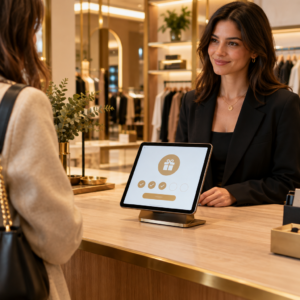
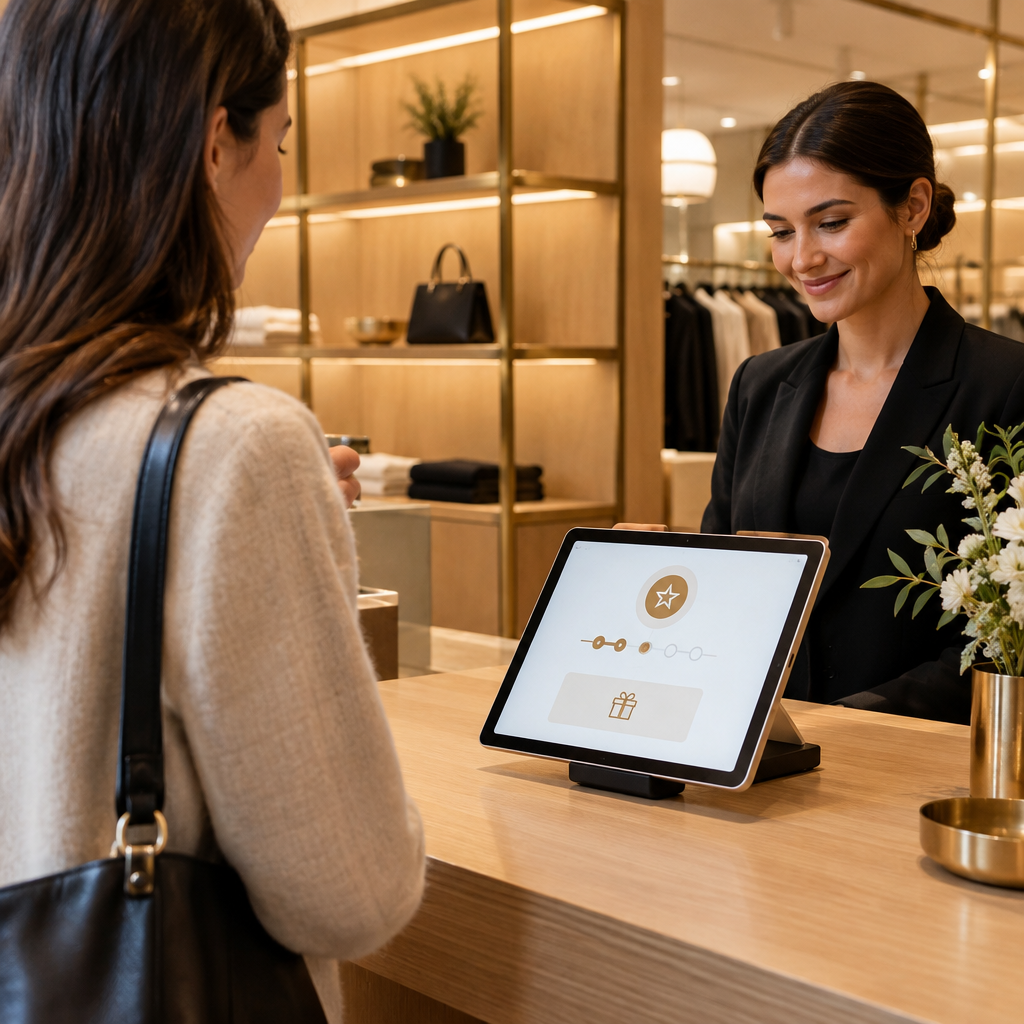
A [customer counter check-in tablet and digital pass system](https://loyaltynation.io/platform/in-store-checkin) gives staff one place to verify the ticket, identify the member, apply VIP pricing, and record the purchase. The store avoids paper guest lists and manual loyalty card lookups. At the same time, the member gets a digital wallet pass that carries the tasting credit, event reminder, and bottle discount. That combination supports the physical retail reality: short queues, clear counter scripts, and measurable return visits.
## The Problem: Ticketed Tastings Meet Counter Reality
A ticketed tasting night creates a short, intense traffic spike. Twenty to sixty guests arrive within a thirty-minute window. Each guest expects a quick check-in, a glass, a tasting sheet, and a clear explanation of VIP member pricing. The counter team often handles cheese cuts, bottle sales, and phone orders during the same window. A paper guest list slows the line. A staff member scrolls through a spreadsheet while guests wait. A forgotten punch card means the member gets no credit for the evening. The store loses the transaction history and the follow-up opportunity.
Specialty shops face a second issue: inconsistent member pricing. A VIP member hears about a wine tasting discount at the counter, but the POS does not show the right price. A cashier applies a manual discount. Another cashier forgets. The member notices the difference. The result is friction at checkout and weakened trust in the loyalty program. Multi-location shops feel this more sharply because each store invents its own event sheet and discount rule.
The third issue is the visit gap. A guest attends a tasting, buys two bottles, and disappears for eight weeks. The store has no automated reminder for the next tasting or a member-only cheese drop. Without visit tracking, the event becomes a one-night sales bump. The store misses the repeat foot traffic that makes tasting events profitable over a quarter. Ticketed tastings need a counter workflow that captures the visit, applies member pricing correctly, and triggers the next visit.
## The Solution: VIP Pricing, Wallet Passes, and Fast Counter Check-In
The solution has four parts: ticket tiers, counter check-in, digital wallet passes, and automated visit tracking. Each part supports the physical counter. Staff scan or search once, confirm the member, and move the line. The system handles the discount and the record. The member receives a pass that stays on their phone.
### Set Up Ticket Tiers and Member Pricing
Create clear ticket tiers before the first event. A general tasting ticket covers the flight and a small cheese pairing. A VIP member ticket includes a lower ticket price, a reserved tasting time, and a bottle discount on the evening of the event. A bundle ticket pairs four bottles with a cheese board and adds a member-only reserve list for the next release. Keep the rules simple enough for a cashier to explain in one sentence.
Apply VIP member pricing at the POS and at the counter tablet. The member sees the ticket price, the bottle discount, and the cheese add-on in one view. Staff do not calculate discounts in their head. The system logs the member ID, event ID, purchase amount, and discount applied. This record supports margin analysis by event. A shop can compare a Thursday cheese and Sherry night with a Saturday sparkling flight and see which event produces bottle sales, cheese add-ons, and repeat visits.
### Run the Counter Workflow at Arrival
The arrival workflow should take under thirty seconds. Step one: the guest gives a name or scans the wallet pass. Step two: the tablet shows the ticket tier, member status, and any allergies or preferences. Step three: staff hand over the tasting glass and sheet. Step four: the member taps the wallet pass to check in. Step five: the tablet logs the visit and queues the member for the event reminder.
For line speed, place the tablet at the end of the counter with a clear sign. Assign one staff member to check-in and one to pour. Keep the POS within reach so bottle sales happen at the same counter. For a deeper line-speed playbook, see [Bakery Counter Loyalty: Speeding Up Morning Rush Line Throughput](https://loyaltynation.io/resources/bakery-customer-loyalty-tablet-check-in). The same principle applies: one scan, one confirmation, one next step. A tasting queue moves faster when the counter script is short and the tablet faces the guest.
### Track Visit Gaps and Repeat Tasting Revenue
Ticketed events create visit data: arrival time, ticket tier, purchase amount, and member status. Use that data to measure the visit gap between the tasting and the next store visit. Set a 21-day and 45-day reminder for members who attended a tasting. The 21-day message can offer a cheese pairing recipe and a bottle restock reminder. The 45-day message can invite the member to the next VIP tasting with member pricing active. The system sends the reminder through the wallet pass or SMS, depending on the member preference.
Track three numbers for each event: attendance rate, bottle attach rate, and 60-day return rate. Attendance rate shows whether the ticket price and event description attract the right members. Bottle attach rate shows whether VIP pricing moves retail inventory. The 60-day return rate shows whether the tasting creates repeat foot traffic. Shops can compare events and adjust the calendar. A cheese and wine shop might discover that a Thursday evening tasting produces a stronger 60-day return rate than a Saturday afternoon event, even when Saturday sells more tickets. That insight shapes staffing and inventory.
### Handle Overflow with Self-Service QR Check-In
For high-volume tasting nights, set a second check-in lane. Use a self-service QR code at the entrance for members who already have a wallet pass. The member scans, confirms the ticket, and receives a counter pickup signal. Staff handle exceptions and bottle sales. The flow mirrors [QSR Lunch Queue Reduction: Self-Service QR Code Loyalty Check-In](https://loyaltynation.io/resources/qsr-self-service-loyalty-check-in). A specialty shop can borrow the same queue logic without turning the tasting into a free-for-all. Keep one staff member at the tablet for VIP members who need member pricing adjustments. Keep the self-service lane optional for guests who want a quick entry and know the event flow.
### Coordinate Multi-Location Tasting Calendars
Multi-location shops need one member record across stores. A member who attends a tasting at the downtown shop should see the same VIP pricing at the neighborhood shop. The wallet pass and counter tablet should sync event calendars, ticket tiers, and discount rules. A store manager can publish a tasting event from a central dashboard and make it available to all locations. The counter team sees the correct ticket list and member status. The member sees the event in their wallet pass.
Use location-level reporting to compare foot traffic and repeat visits. A franchise director can see which store converts tasting attendees into bottle buyers and which store needs a different event theme. A cheese shop might test a blue cheese and port flight at one location and a goat cheese and Sauvignon Blanc flight at another. Member pricing stays consistent, while the event content fits the local audience. The central team updates the loyalty rules once. The stores run the counter workflow.
## Implementation Checklist / Protocol
Use this checklist to launch a ticketed tasting loyalty program. Each step has a clear owner and a measurable output.
| Step | Operational Action | Metric |
| — | — | — |
| 1 | Define ticket tiers: general, VIP member, and bundle. Set the VIP bottle discount and cheese add-on. | Ticket margin by tier |
| 2 | Configure the counter tablet to show ticket tier, member status, and VIP pricing. | Check-in time under 30 seconds |
| 3 | Issue a digital wallet pass with event time, ticket credit, and bottle discount. | Wallet pass add rate |
| 4 | Train staff on the five-step arrival script: scan, confirm, hand glass, tap check-in, log visit. | Queue wait time |
| 5 | Connect the POS to the loyalty record so tasting purchases post to the member account. | Bottle attach rate |
| 6 | Set 21-day and 45-day reminder rules for tasting attendees. | 60-day return rate |
| 7 | Add a self-service QR lane for overflow nights and wallet pass holders. | Self check-in rate |
| 8 | Review event results by location and adjust the tasting calendar. | Repeat foot traffic revenue |
## Conclusion & CTA
Ticketed tastings work as a loyalty engine when the counter workflow matches the event. A specialty cheese and wine shop needs fast check-in, accurate VIP member pricing, and a member record that follows the guest after the glass is empty. The counter tablet, wallet pass, and visit tracking turn a one-night event into a repeat foot traffic program. Staff spend less time on lookup and manual discounts. Owners see which tastings produce bottle sales, cheese add-ons, and return visits.
Book an in-store counter demo with Loyalty Nation and calculate repeat foot traffic revenue gains from your next tasting calendar. Bring your event schedule, ticket tiers, and bottle discount rules. The demo will show how a member checks in, receives VIP pricing, and gets the next event reminder on their wallet pass. Your team can run the counter with a short script and a clear view of the member.